

Events
Calendar of Events
|
Sunday
|
Monday
|
Tuesday
|
Wednesday
|
Thursday
|
Friday
|
Saturday
|
|---|---|---|---|---|---|---|
|
0 events,
|
0 events,
|
1 event,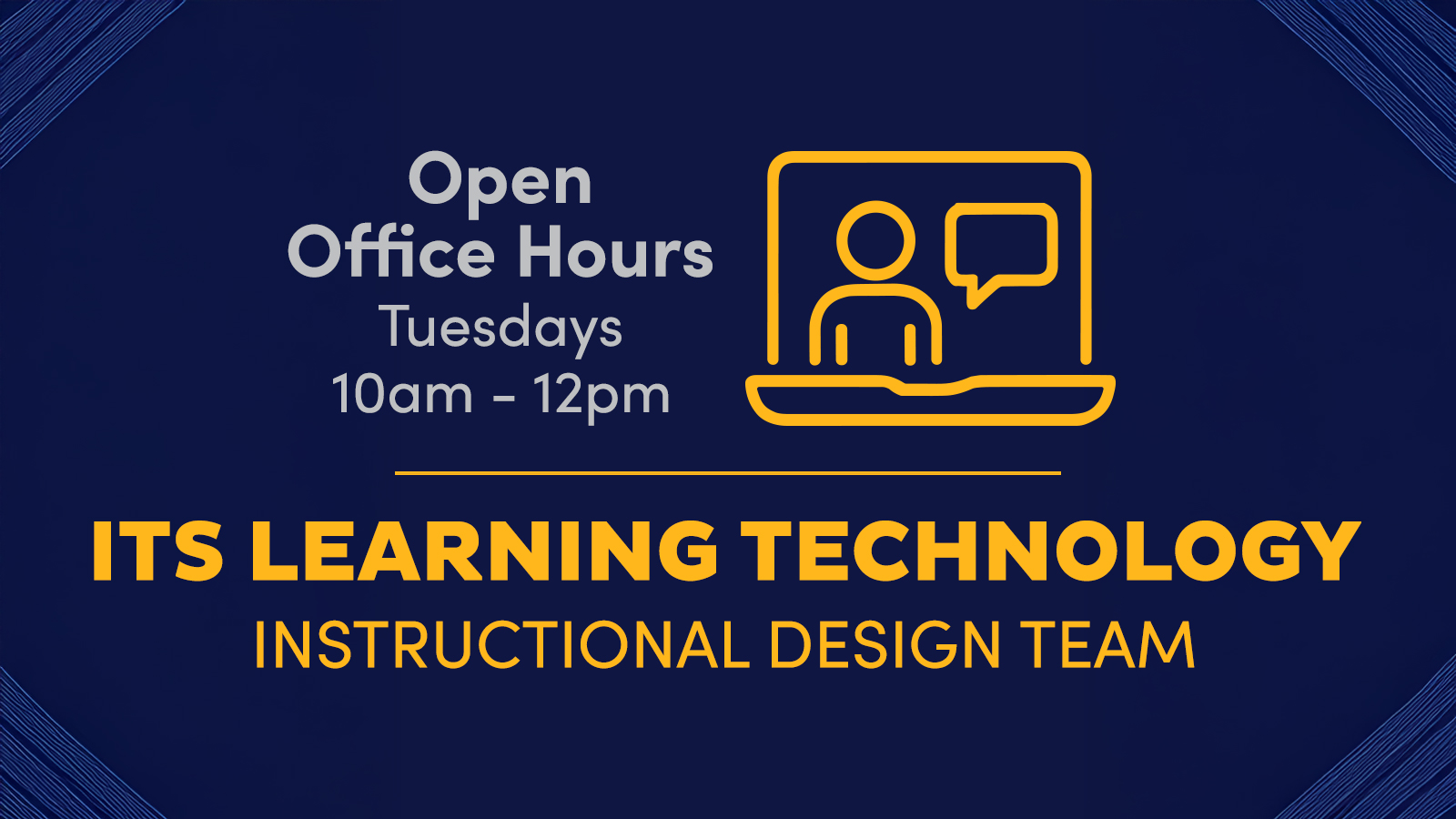
Join us Tuesdays 10AM–12PM on Teams for live help from an instructional designer! Get support with course design, teaching questions, Canvas, and other learning tech. |
0 events,
|
0 events,
|
0 events,
|
0 events,
|
|
0 events,
|
0 events,
|
2 events,
Spring Cleaning to Enhance Accessibility is a workshop series curated to support and streamline your accessibility efforts. The ITS: Learning Technology team will share actionable strategies for decluttering your Canvas course, polishing your Microsoft files and deep cleaning your UDOIT report. You’ll be ready to copy your Canvas course each... Continue reading...
Join us Tuesdays 10AM–12PM on Teams for live help from an instructional designer! Get support with course design, teaching questions, Canvas, and other learning tech. |
0 events,
|
0 events,
|
0 events,
|
0 events,
|
|
0 events,
|
0 events,
|
2 events,
Spring Cleaning to Enhance Accessibility is a workshop series curated to support and streamline your accessibility efforts. The ITS: Learning Technology team will share actionable strategies for decluttering your Canvas course, polishing your Microsoft files and deep cleaning your UDOIT report. You’ll be ready to copy your Canvas course each... Continue reading...
Join us Tuesdays 10AM–12PM on Teams for live help from an instructional designer! Get support with course design, teaching questions, Canvas, and other learning tech. |
0 events,
|
1 event,
Join us for a high-level overview of working with files in Microsoft 365. Wondering when to use OneDrive, Teams, or SharePoint? This class will clarify when to use each storage location. Learn to: Manage files on OneDrive, Teams, and SharePoint. Determine which type of data should be stored on each.... Continue reading... |
0 events,
|
0 events,
|
|
0 events,
|
0 events,
|
2 events,
Spring Cleaning to Enhance Accessibility is a workshop series curated to support and streamline your accessibility efforts. The ITS: Learning Technology team will share actionable strategies for decluttering your Canvas course, polishing your Microsoft files and deep cleaning your UDOIT report. You’ll be ready to copy your Canvas course each... Continue reading...
Join us Tuesdays 10AM–12PM on Teams for live help from an instructional designer! Get support with course design, teaching questions, Canvas, and other learning tech. |
1 event,
Join us for a high-level overview of working with files in Microsoft 365. Wondering when to use OneDrive, Teams, or SharePoint? This class will clarify when to use each storage location. Learn to: Manage files on OneDrive, Teams, and SharePoint. Determine which type of data should be stored on each.... Continue reading... |
1 event,
Clear the digital clutter and create harmony across your workspace with this hands-on workshop designed to energize your Microsoft 365 experience. You'll learn practical strategies to reorganize your OneDrive for seamless access, adopt purposeful file naming conventions that promote consistency, and implement archiving techniques to reduce digital noise. We'll explore... Continue reading... |
0 events,
|
0 events,
|
|
0 events,
|
0 events,
|
2 events,Copying (or importing) old Canvas courses is a very common practice – and can come with some frustrating pitfalls. Following a few simple best practices during course import will help you avoid these common errors, save you time during the course set up process, and reduce emails from students with... Continue reading...
Join us Tuesdays 10AM–12PM on Teams for live help from an instructional designer! Get support with course design, teaching questions, Canvas, and other learning tech. |
0 events,
|
0 events,
|
0 events,
|
0 events,
|