Information Technology Services (ITS) is hosting a virtual session, Getting Started with Windows 11. Space is limited, and registration is required. Get a look at the new features and personalize your settings and accessibility options. Dive deep into the latest operating system from Microsoft. Whether you’re a seasoned tech... Continue reading...
Information Technology Services (ITS) is hosting a virtual session, Microsoft Bookings at UNCG. Space is limited, and registration is required. Discover ways Bookings can help you schedule meetings and create a bookable appointment calendar for colleagues and students. We all strive to prevent scheduling chaos, missed appointments, and endless back-and-forth... Continue reading...
Information Technology Services (ITS) is hosting a virtual session, Stream on SharePoint at UNCG. Space is limited, and registration is required. Discover the essentials of Microsoft Stream, the video service in Microsoft 365 that enables UNCG to upload, share, and manage videos securely. Learn how to leverage Stream for team collaboration, training,... Continue reading...
This session will get you up and running, whether you are rebuilding a Google site or creating a new UNCG intranet site. Create a site Using themes Choose features Build with content blocks Understand permissions This workshop is still under development. More information to come. The training team from Planet... Continue reading...
Information Technology Services (ITS) is hosting a virtual session, Teams: Make Meetings Better at UNCG. Space is limited, and registration is required. Review how to schedule and conduct meetings to ensure everyone – inside and outside UNCG – has the best possible experience. Microsoft Teams meetings lets us connect to... Continue reading...
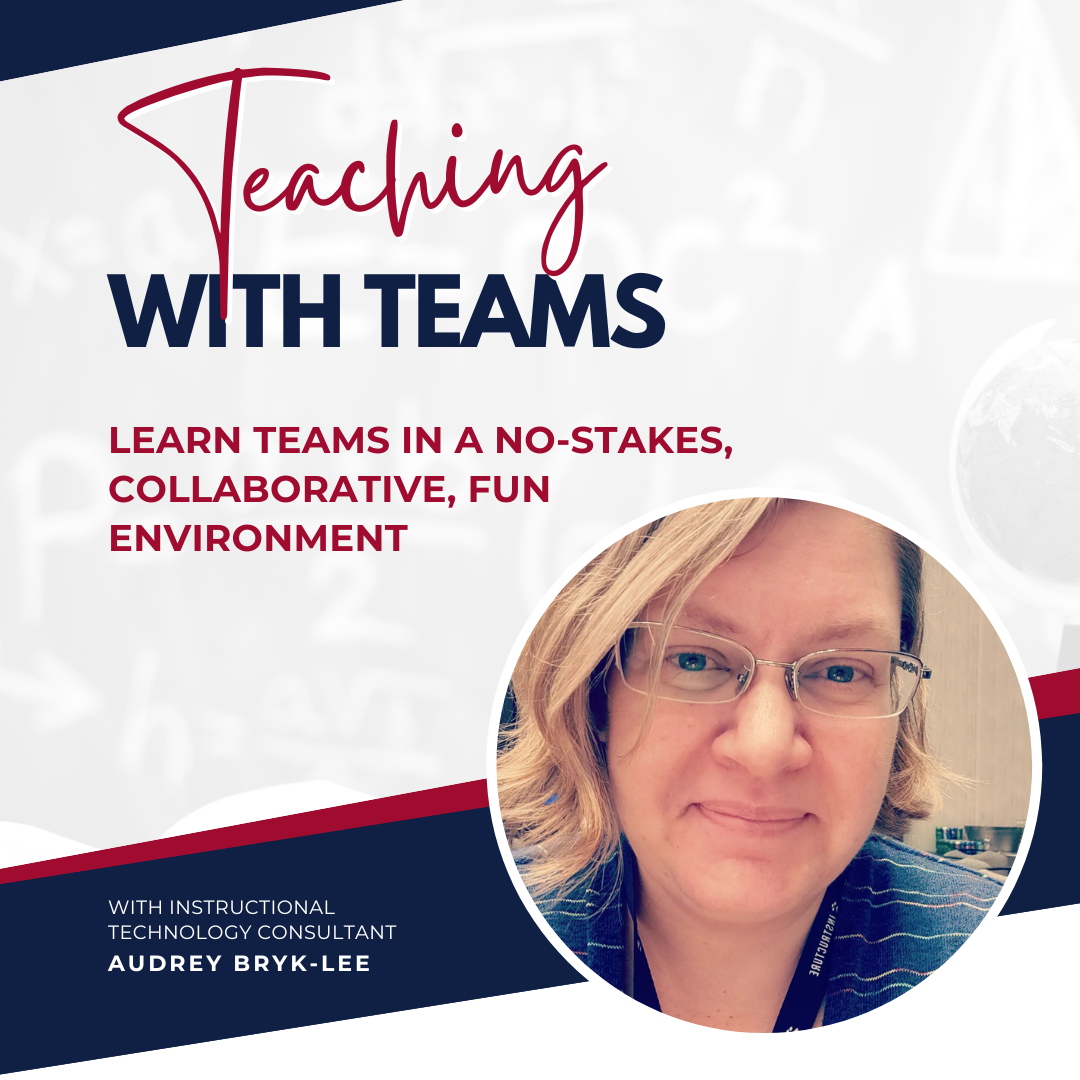
In this face-to-face, hands-on experience, you’ll get comfortable with the features of Teams and Teams meetings that support teaching and learning from both the instructor and student perspectives. By the end of this session, you’ll be able to: Create a Team for your class Schedule Teams meetings Manage participants ... Continue reading...
This session will get you up and running, whether you are rebuilding a Google site or creating a new UNCG intranet site. Create a site Using themes Choose features Build with content blocks Understand permissions This workshop is still under development. More information to come. The training team from Planet... Continue reading...
Information Technology Services (ITS) is hosting a virtual session, Getting Started with Copilot. Space is limited, and registration is required. Microsoft Copilot is an AI-powered productivity tool that enhances writing, data analysis, and business processes. AI technologies are revolutionizing how the world works, including our organizations and roles. Microsoft... Continue reading...
While standard Teams meetings generally include a lot of interactions among participants, Webinars tend to be more controlled. With Webinars one or several experts (the presenters) share their ideas or provide training to an audience (the attendees). Learn to customize a registration page, email reminders, and view attendance before and... Continue reading...
This session will get you up and running, whether you are rebuilding a Google site or creating a new UNCG intranet site. Create a site Using themes Choose features Build with content blocks Understand permissions This workshop is still under development. More information to come. The training team from Planet... Continue reading...
Are you a UNCG student? Do you use Canvas? This workshop is for you! Do you sometimes feel like you spend more time trying to figure out Canvas than you do on your homework? This workshop is for you! Do you want to use Canvas to help keep better track... Continue reading...
OneNote is a digital note-taking application provided to you through Microsoft 365. Notebooks help you stay organized with sections and pages. Learn to: Organize Notebooks Add content, including images, audio notes, links, files, and more. Access notes from anywhere on any device This workshop will help you navigate OneNote and... Continue reading...