Teams Meeting (Link will be sent via confirmation email.)
Join Ashley O’Donnell from Dean of Students Office and Shannon Barr from ITS Learning Technology to discuss leveraging campus resources and tools to support students who are experiencing life stressors that impact their student experience, but in a way that is more sustainable and within scope of practice for faculty.... Continue reading...
Now available to all current students, faculty, and staff! Spartan AI gives you access to powerful AI models from ChatGPT, Claude, Grok, and Mistral in a secure, UNCG-supported workspace that can be integrated with your Microsoft 365 work. Learn to: Start and manage chats. Choose the right model for your... Continue reading...
Curious about JAI? Join this interactive workshop to learn how SpartanMart’s AI Assistant can help you find procurement information, answer questions, locate forms and policies, and search supported records using natural language. You’ll see live demonstrations, practice asking questions, and learn tips for getting the best results from JAI “Jay”.... Continue reading...
Join us Tuesdays 10AM–12PM on Teams for live help from an instructional designer! Get support with course design, teaching questions, Canvas, and other learning tech.
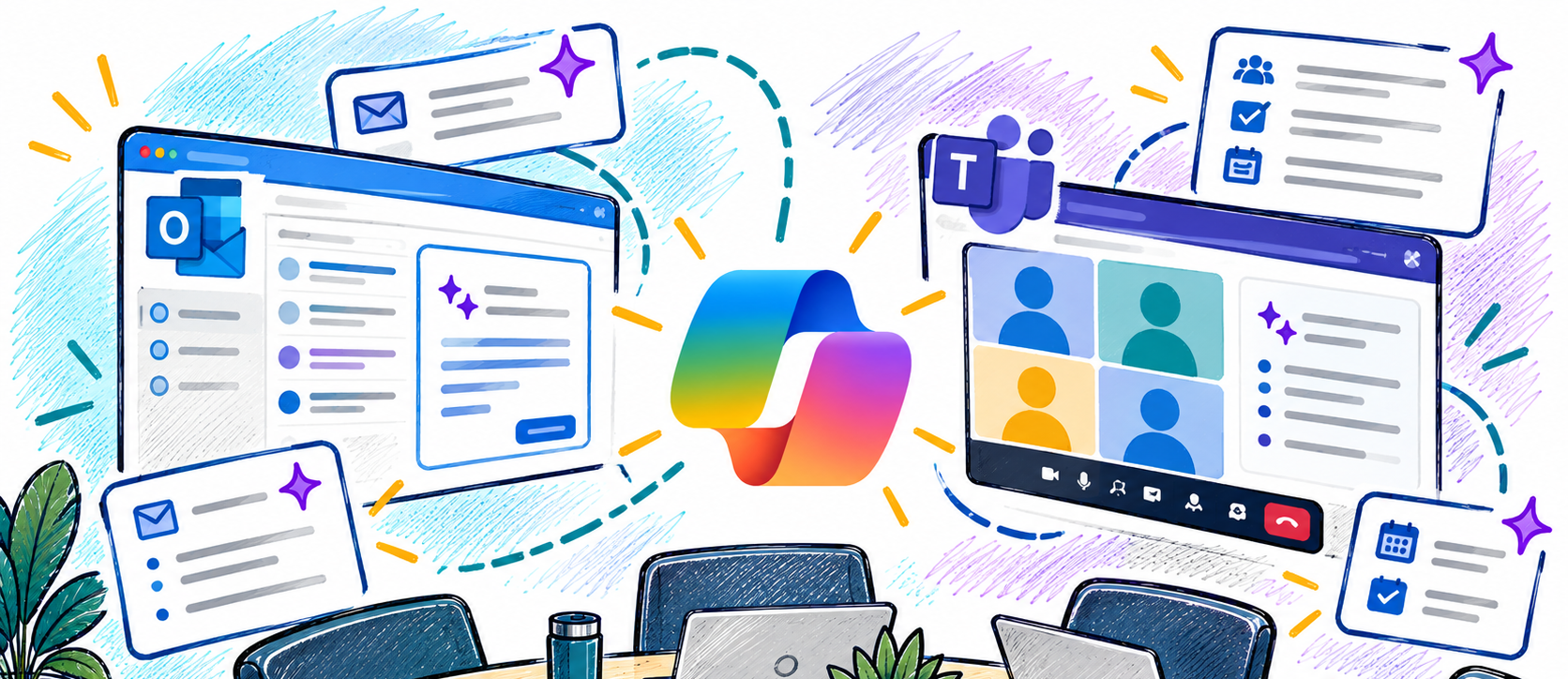
Enhance the way you communicate and collaborate with Microsoft Copilot in Outlook and Teams. In this workshop, you'll explore how Copilot can help streamline email management, improve meeting productivity, and keep teams aligned. Learn practical ways to save time, summarize conversations, draft messages, capture action items, and stay informed with... Continue reading...
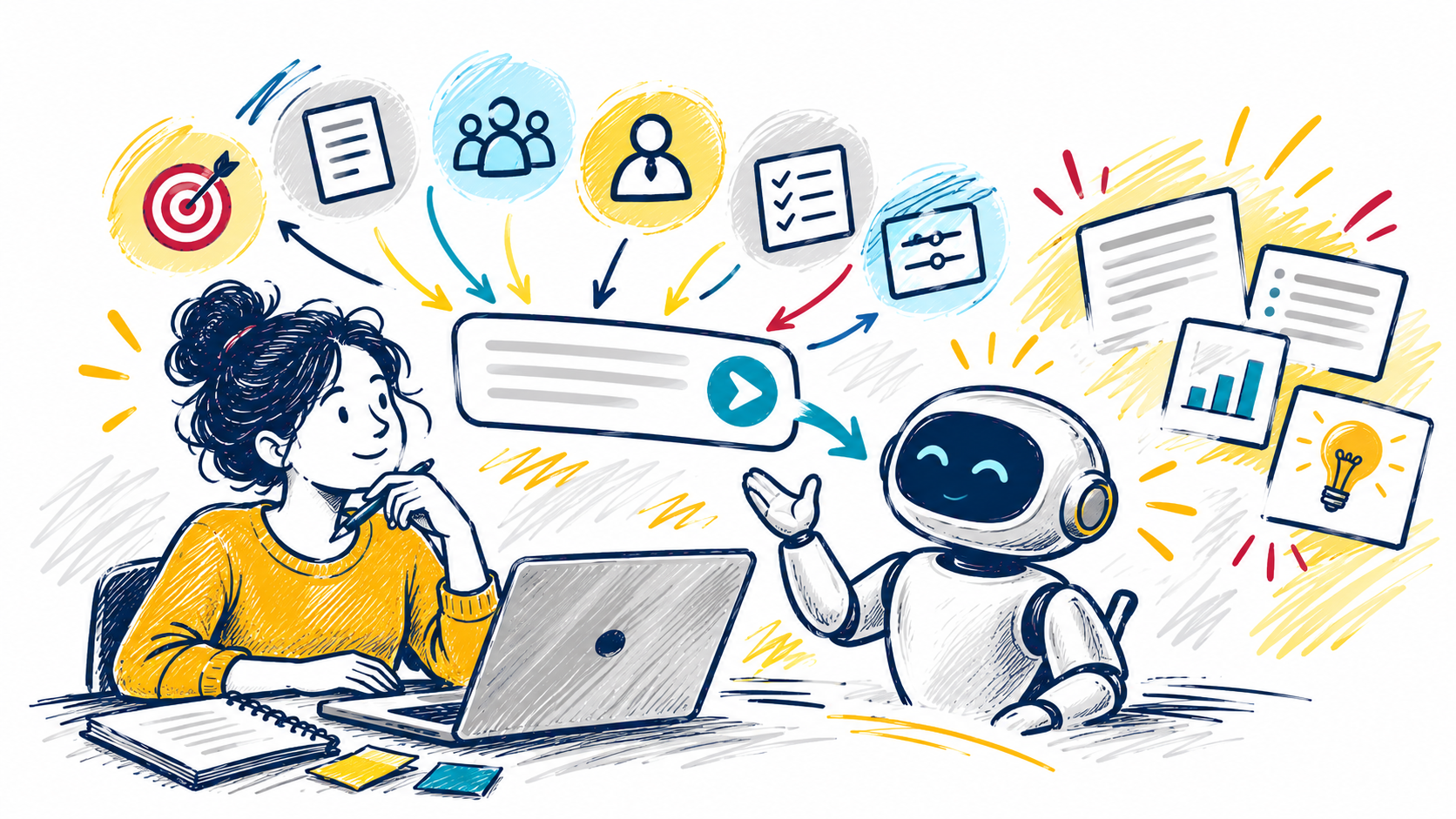
Getting great results from AI starts with a great prompt. In this interactive workshop, you'll learn practical prompting techniques that help you get more accurate, useful, and relevant responses from tools like Microsoft Copilot. Explore proven strategies for guiding AI, including using personas, providing context, defining your audience, and specifying... Continue reading...
This workshop provides an introduction to artificial intelligence at UNCG and helps participants understand the tools, opportunities, and responsibilities that come with using AI in their work. Attendees will learn how to access approved AI tools, explore practical use cases for teaching, learning, research, and administrative tasks, and understand when... Continue reading...
Cutting-edge AI tools like Microsoft Copilot and ChatGPT are revolutionizing the ways we perform our jobs and conduct business across all sectors, public and private. AI technologies elevate our tasks and maximize our relationships with data like never before. In this webcast, we'll explore integrating these tools into everyday workflows... Continue reading...
Get an early look at YuJa Panorama, UNCG's new course accessibility tool, before its official Canvas release on October 14. Participants will learn what to expect when Panorama is enabled and explore its core features and workflows, including how to identify accessibility issues and use Panorama's tools within Canvas courses.
This workshop will expand on an already created survey and cover more advanced topics including: adding piped text; manipulating the look and structure of the survey using the block manipulation, survey flow and work flow; changing the look and feel of your survey; and options for reporting your results and... Continue reading...
Join us Tuesdays 10AM–12PM on Teams for live help from an instructional designer! Get support with course design, teaching questions, Canvas, and other learning tech.
Curious about JAI? Join this interactive workshop to learn how SpartanMart’s AI Assistant can help you find procurement information, answer questions, locate forms and policies, and search supported records using natural language. You’ll see live demonstrations, practice asking questions, and learn tips for getting the best results from JAI “Jay”.... Continue reading...