

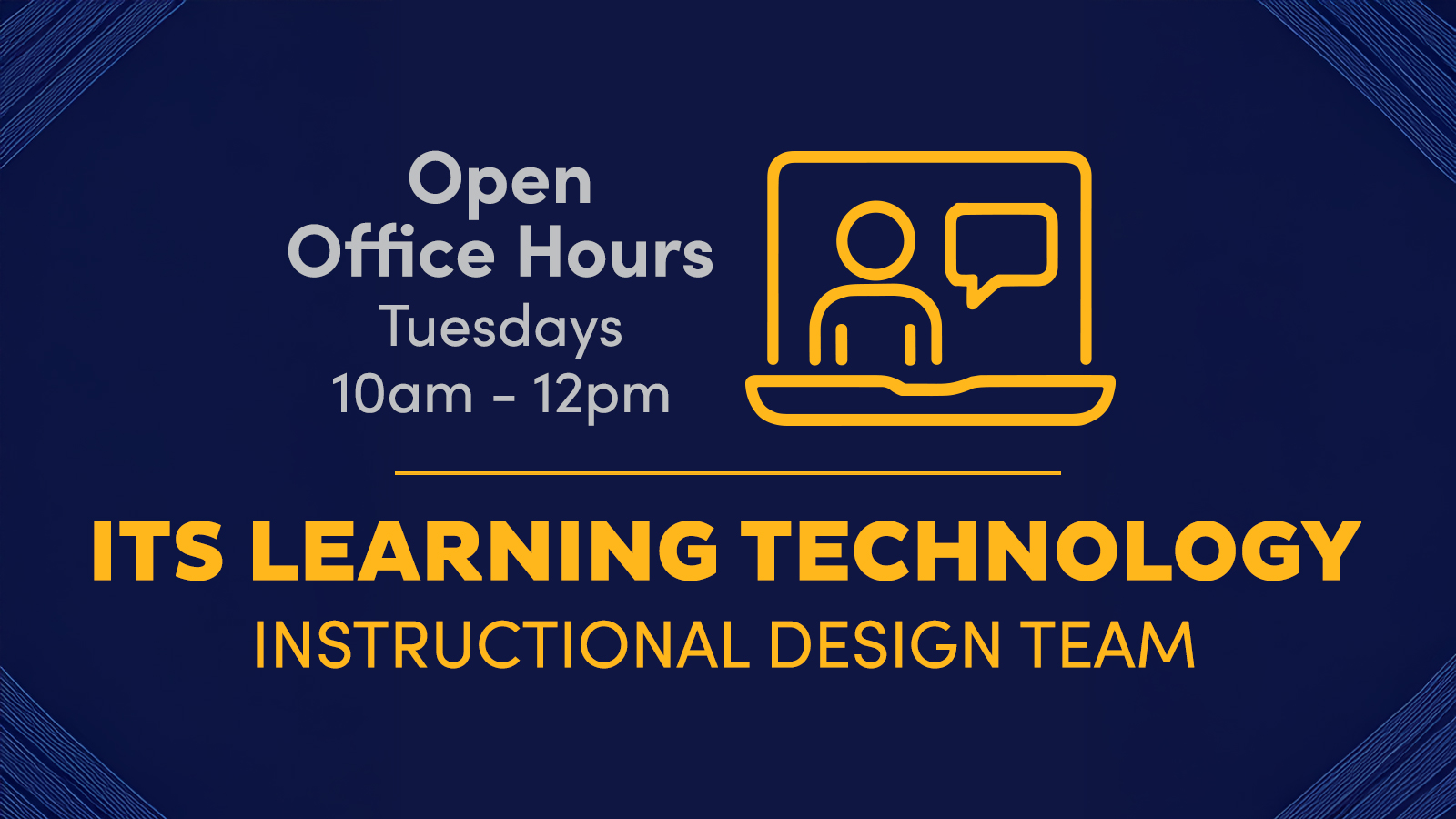
Join us Tuesdays 10AM–12PM on Teams for live help from an instructional designer! Get support with course design, teaching questions, Canvas, and other learning tech.
|
Sunday
|
Monday
|
Tuesday
|
Wednesday
|
Thursday
|
Friday
|
Saturday
|
|---|---|---|---|---|---|---|
|
0 events,
|
0 events,
|
2 events,
Join us Tuesdays 10AM–12PM on Teams for live help from an instructional designer! Get support with course design, teaching questions, Canvas, and other learning tech. 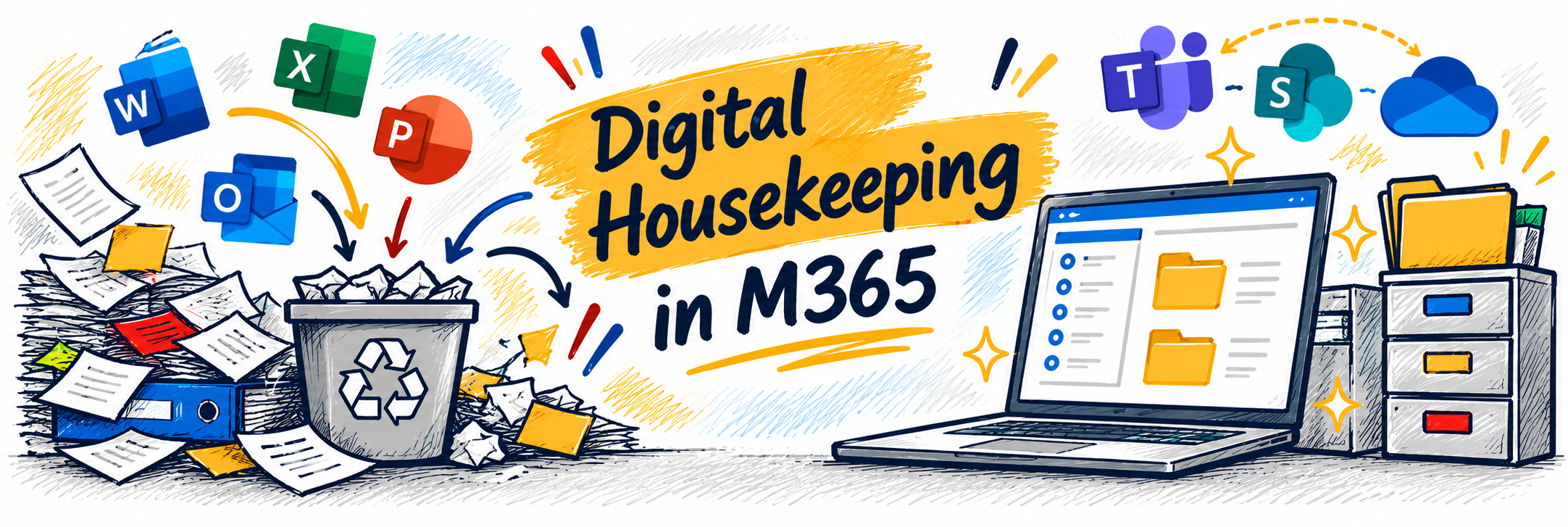
Is your Microsoft 365 workspace starting to feel a little cluttered? Just like a physical workspace, our digital spaces benefit from an occasional cleanup. In this workshop, we’ll explore practical ways to tidy up your digital work life across OneDrive, SharePoint, Teams, and Outlook. Learn strategies for organizing files, dealing... Continue reading... |
1 event,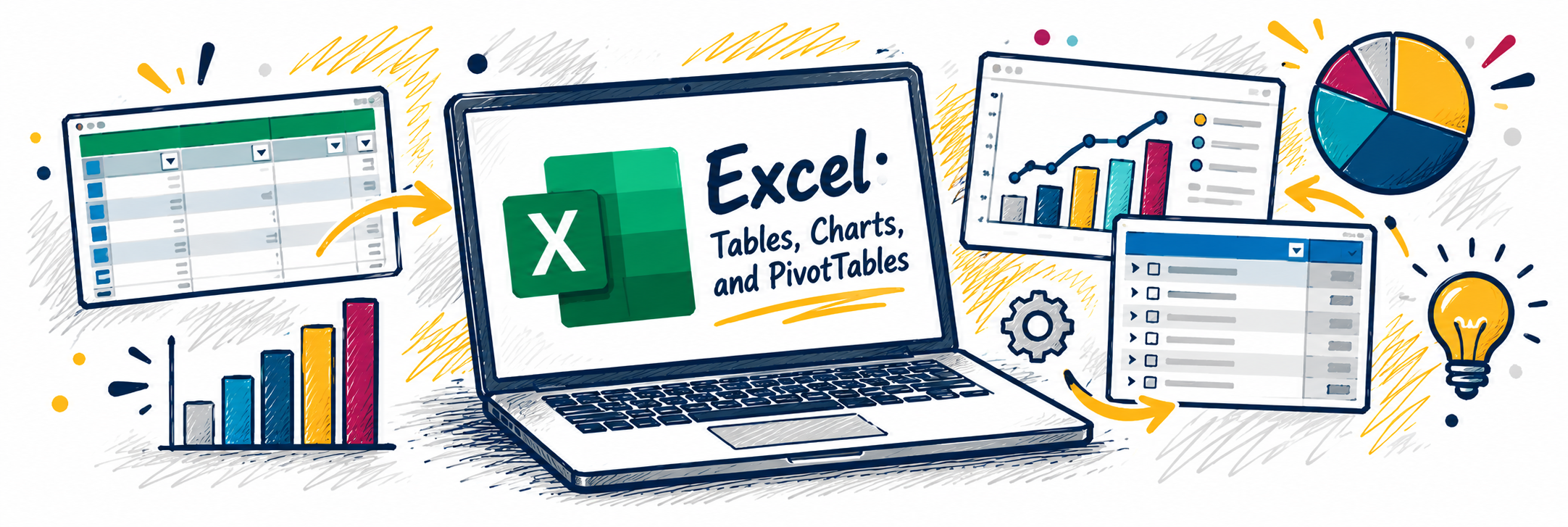
Turn rows and columns of data into information you can actually use. In this workshop, we’ll explore three powerful Excel tools that can help you organize, visualize, and make sense of your data. You’ll learn how to use Tables to organize and manage data, create Charts that communicate information clearly,... Continue reading... |
2 events,
In this advanced session, you’ll learn how to get better results from Microsoft 365 Copilot Chat by improving the way you prompt. We’ll cover key Copilot terms, the differences between unlicensed and licensed experiences, and practical techniques like intent lines, constraint prompts, and iterative refinement. You’ll see step-by-step examples and... Continue reading... 
Copying (or importing) old Canvas courses is a very common practice – and can come with some frustrating pitfalls. Following a few simple best practices during course import will help you avoid these common errors, save you time during the course set up process, and reduce emails from students with... Continue reading... |
1 event,
Enhance the way you communicate and collaborate with Microsoft Copilot in Outlook and Teams. In this workshop, you'll explore how Copilot can help streamline email management, improve meeting productivity, and keep teams aligned. Learn practical ways to save time, summarize conversations, draft messages, capture action items, and stay informed with... Continue reading... |
0 events,
|
|
0 events,
|
1 event,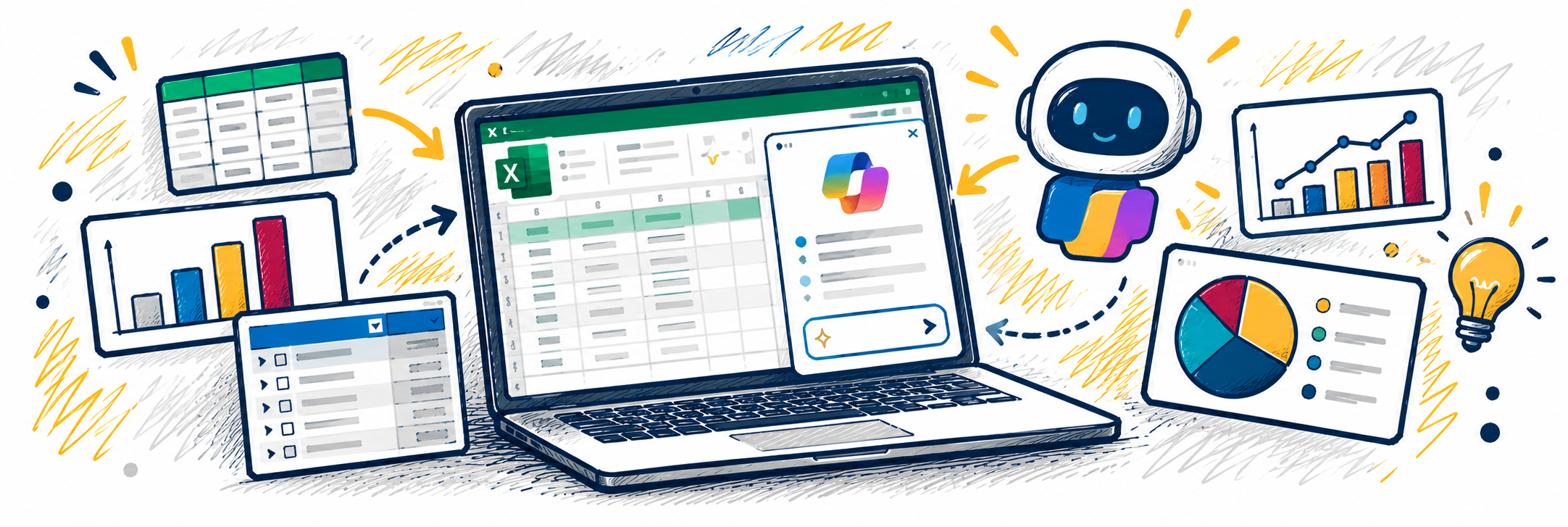
Ever look at a spreadsheet and wonder what the data is really telling you? Copilot in Excel can help you explore your data, uncover insights, and get a head start on common spreadsheet tasks. In this workshop, we’ll explore practical ways to use Copilot to work with data in Excel.... Continue reading... |
2 events,
Join us Tuesdays 10AM–12PM on Teams for live help from an instructional designer! Get support with course design, teaching questions, Canvas, and other learning tech. 
Microsoft 365 Copilot is your intelligent assistant designed to enhance productivity and streamline your workflow. Learn how Copilot can assist you through a SharePoint redesign or branding your pitch decks in PowerPoint. This webcast will guide you through common scenarios where Copilot can be your go-to tool, showcasing its capabilities... Continue reading... |
1 event,
Now available to all current students, faculty, and staff! Spartan AI gives you access to powerful AI models from ChatGPT, Claude, Grok, and Mistral in a secure, UNCG-supported workspace that can be integrated with your Microsoft 365 work. Learn to: Start and manage chats. Choose the right model for your... Continue reading... |
2 events,
Is your Microsoft 365 workspace starting to feel a little cluttered? Just like a physical workspace, our digital spaces benefit from an occasional cleanup. In this workshop, we’ll explore practical ways to tidy up your digital work life across OneDrive, SharePoint, Teams, and Outlook. Learn strategies for organizing files, dealing... Continue reading... 
Cutting-edge AI tools like Microsoft Copilot and ChatGPT are revolutionizing the ways we perform our jobs and conduct business across all sectors, public and private. AI technologies elevate our tasks and maximize our relationships with data like never before. In this webcast, we'll explore integrating these tools into everyday workflows... Continue reading... |
1 event,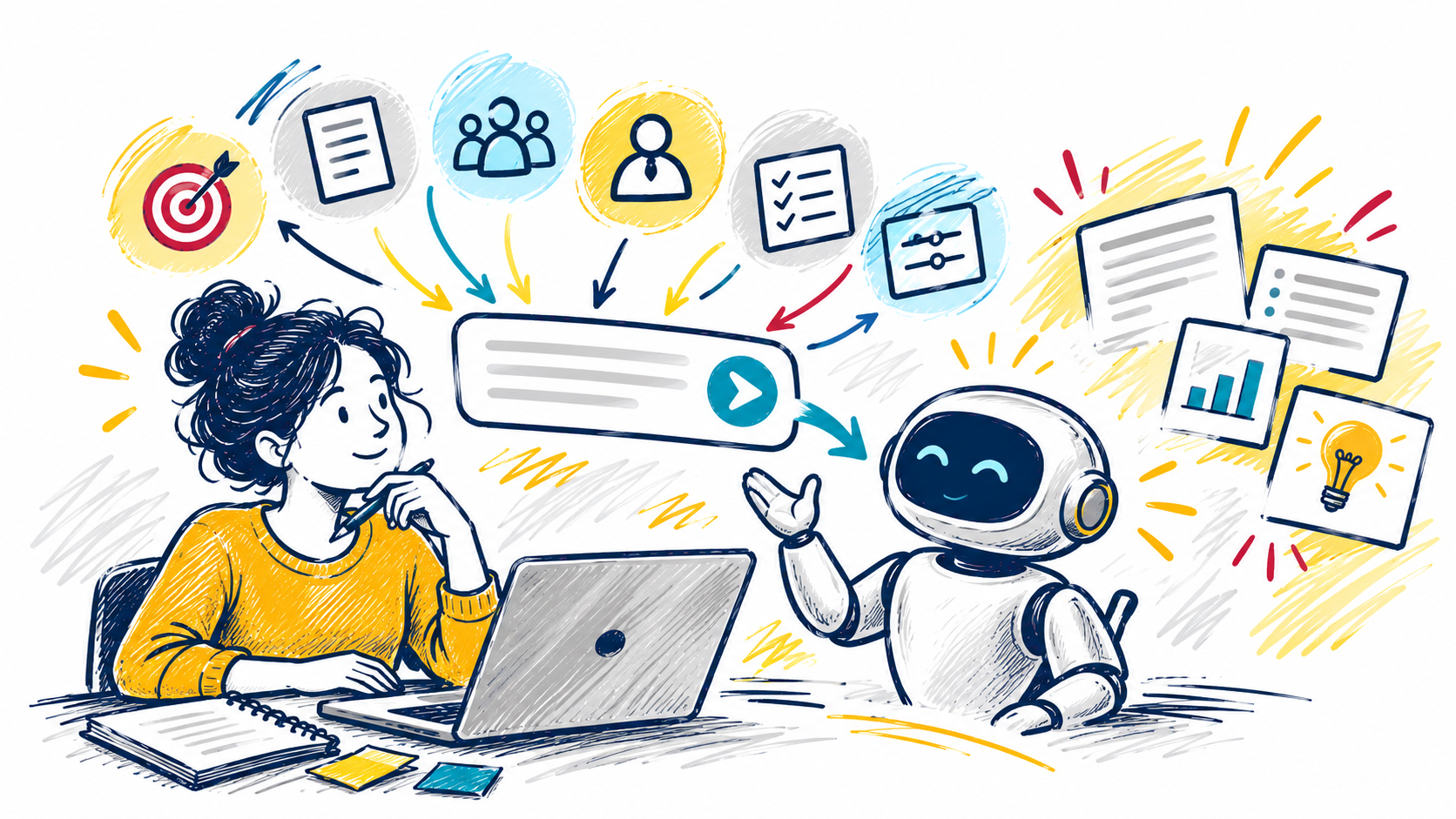
Getting great results from AI starts with a great prompt. In this interactive workshop, you'll learn practical prompting techniques that help you get more accurate, useful, and relevant responses from tools like Microsoft Copilot. Explore proven strategies for guiding AI, including using personas, providing context, defining your audience, and specifying... Continue reading... |
0 events,
|
|
0 events,
|
2 events,
This session will introduce Clipchamp and highlight practical applications tailored to various teams. Discover how video creation and editing tools can streamline storytelling, facilitating clear idea exchange and effective collaboration.
-
Now that it is available in Canvas, get a quick overview of YuJa Panorama, UNCG's new course accessibility tool. Participants will learn what to expect when Panorama is enabled and explore its core features and workflows, including how to identify accessibility issues and use Panorama's tools within Canvas courses. |
1 event,
Join us Tuesdays 10AM–12PM on Teams for live help from an instructional designer! Get support with course design, teaching questions, Canvas, and other learning tech. |
0 events,
|
0 events,
|
0 events,
|
0 events,
|
|
0 events,
|
0 events,
|
0 events,
|
0 events,
|
0 events,
|
0 events,
|
0 events,
|
|
0 events,
|
0 events,
|
0 events,
|
0 events,
|
0 events,
|
0 events,
|
0 events,
|