OneDrive, Teams, SharePoint Explore the management of individual, project, departmental, and research files at UNCG. Learn to upload, sync, share, and adjust the data security level for files with sensitivity labels. Explore best practices for organizing your files and maintaining digital hygiene to comply with retention policies, support improved workflows,... Continue reading...
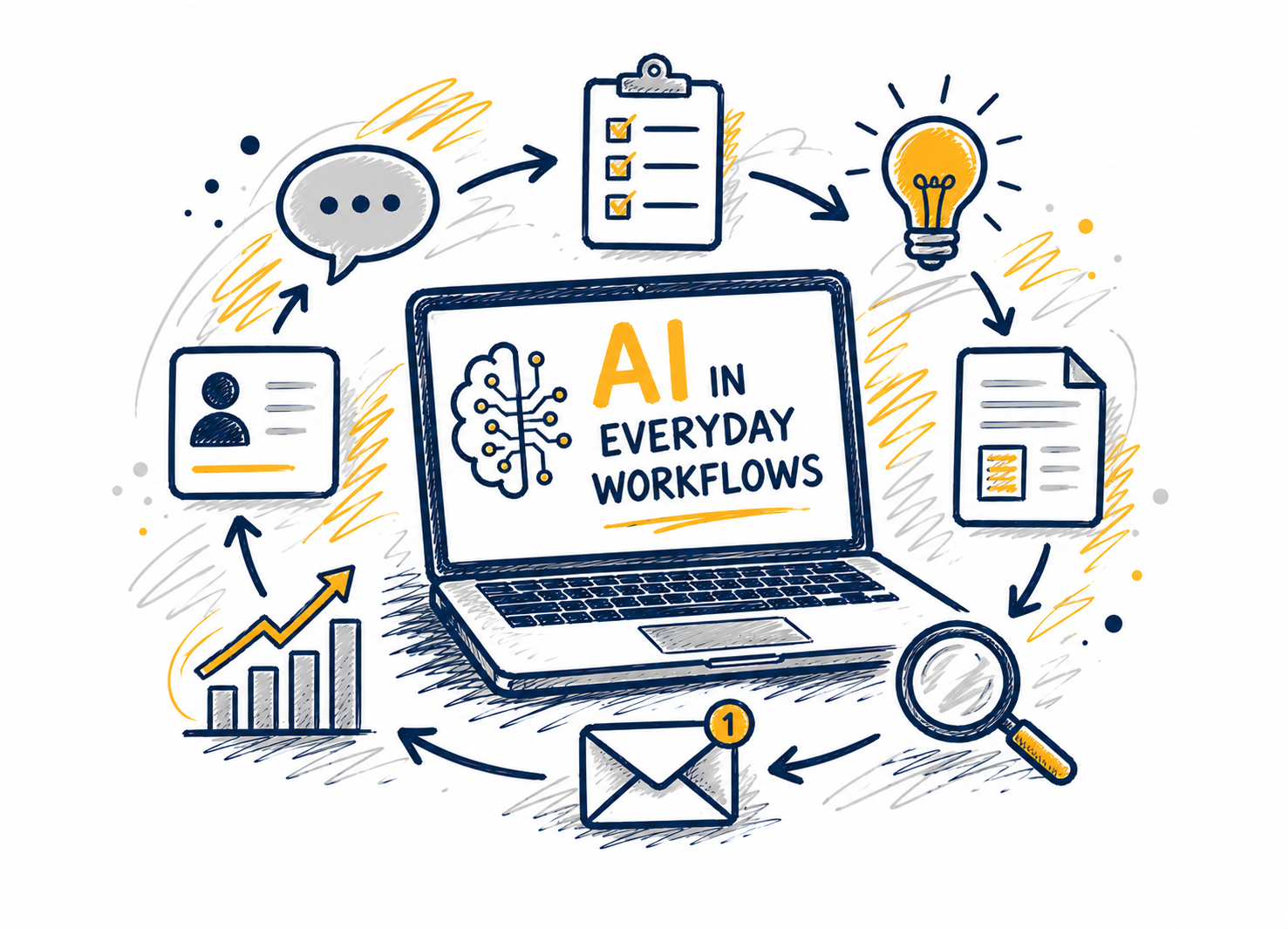
This workshop provides an introduction to artificial intelligence at UNCG and helps participants understand the tools, opportunities, and responsibilities that come with using AI in their work. Attendees will learn how to access approved AI tools, explore practical use cases for teaching, learning, research, and administrative tasks, and understand when... Continue reading...
Copilot Agents are customizable AI assistants that can be integrated into Microsoft 365 applications. Learn how agents can be customized to do specific tasks and workflows, providing a more personalized AI experience. This workshop will provide an overview of Copilot Agents’ features and functionalities, elevating your understanding of what can... Continue reading...
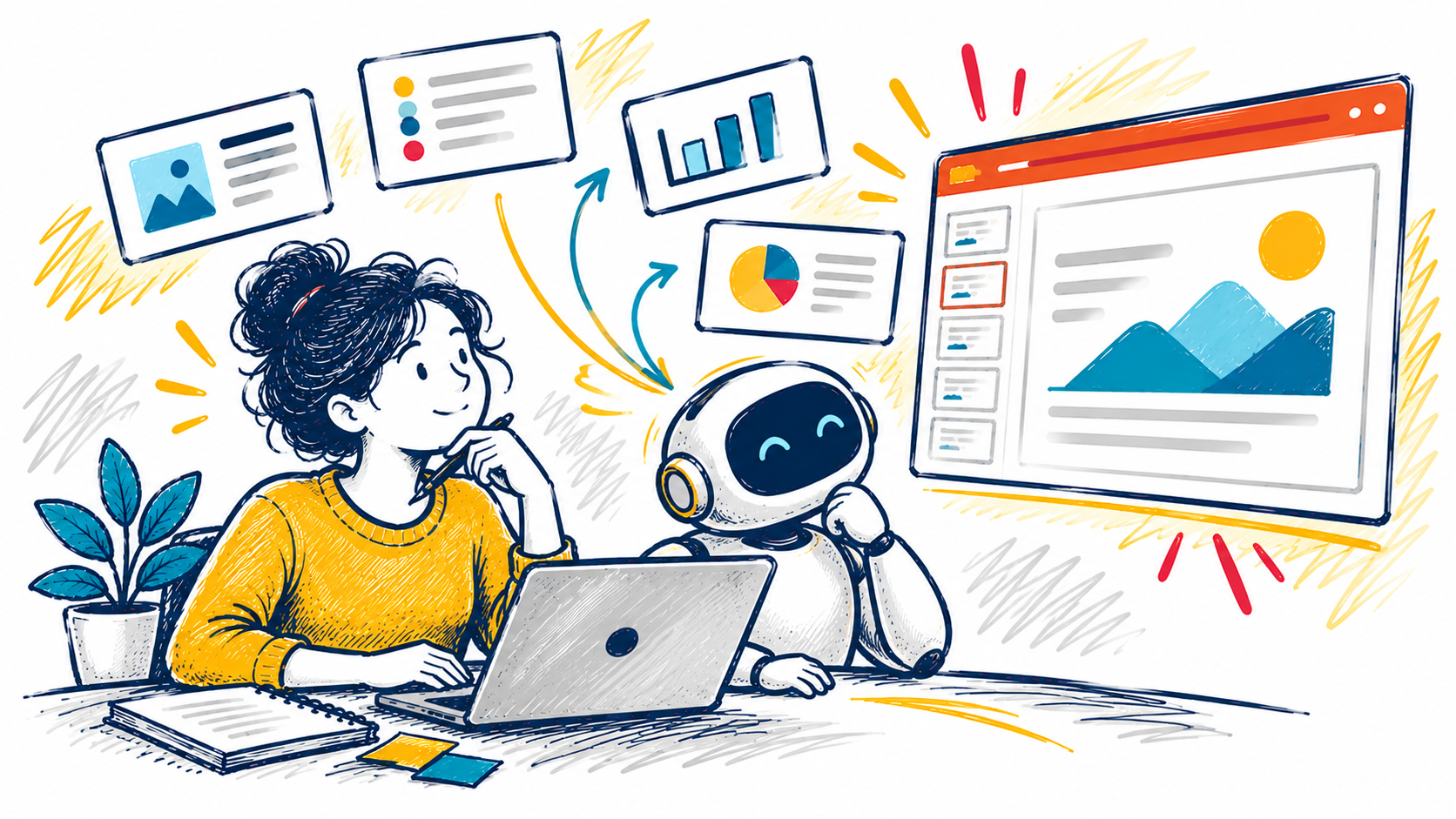
Microsoft 365 Copilot is your intelligent assistant designed to enhance productivity and streamline your workflow. Learn how Copilot can assist you through a SharePoint redesign or branding your pitch decks in PowerPoint. This webcast will guide you through common scenarios where Copilot can be your go-to tool, showcasing its capabilities... Continue reading...
Make it easier for students to connect with you by using Microsoft Bookings to schedule office hours. In this workshop, faculty will learn how to set up a Bookings page, define availability, manage appointments, and automatically send confirmations and reminders. Discover how Bookings can streamline scheduling, reduce email back-and-forth, and... Continue reading...
Copilot Agents are customizable AI assistants that can be integrated into Microsoft 365 applications. Learn how agents can be customized to do specific tasks and workflows, providing a more personalized AI experience. This workshop will provide an overview of Copilot Agents’ features and functionalities, elevating your understanding of what can... Continue reading...
This session will introduce Clipchamp and highlight practical applications tailored to various teams. Discover how video creation and editing tools can streamline storytelling, facilitating clear idea exchange and effective collaboration.
This session shows how adding files changes Copilot Chat’s reasoning by grounding responses in a clear source of truth. Attendees will learn when to attach files versus when to start with questions, which file types work best, and how to combine files with explicit instructions to improve specificity and reduce... Continue reading...
Microsoft 365 Copilot is your intelligent assistant designed to enhance productivity and streamline your workflow. Learn how Copilot can assist you through a SharePoint redesign or branding your pitch decks in PowerPoint. This webcast will guide you through common scenarios where Copilot can be your go-to tool, showcasing its capabilities... Continue reading...