Discover how Copilot can help you spend less time staring at a blank page and more time refining your ideas. In this workshop, we’ll explore practical ways to use Copilot in Word to draft, rewrite, summarize, and work with the information in your documents. You’ll learn how to give Copilot... Continue reading...
See how Copilot for Microsoft 365 can help you work more efficiently with the files and information you already have in OneDrive and SharePoint. In this webinar, we’ll explore how Copilot can help you quickly summarize documents, compare files, find important information, and ask questions about your content. We’ll demonstrate... Continue reading...
Join us Tuesdays 10AM–12PM on Teams for live help from an instructional designer! Get support with course design, teaching questions, Canvas, and other learning tech.
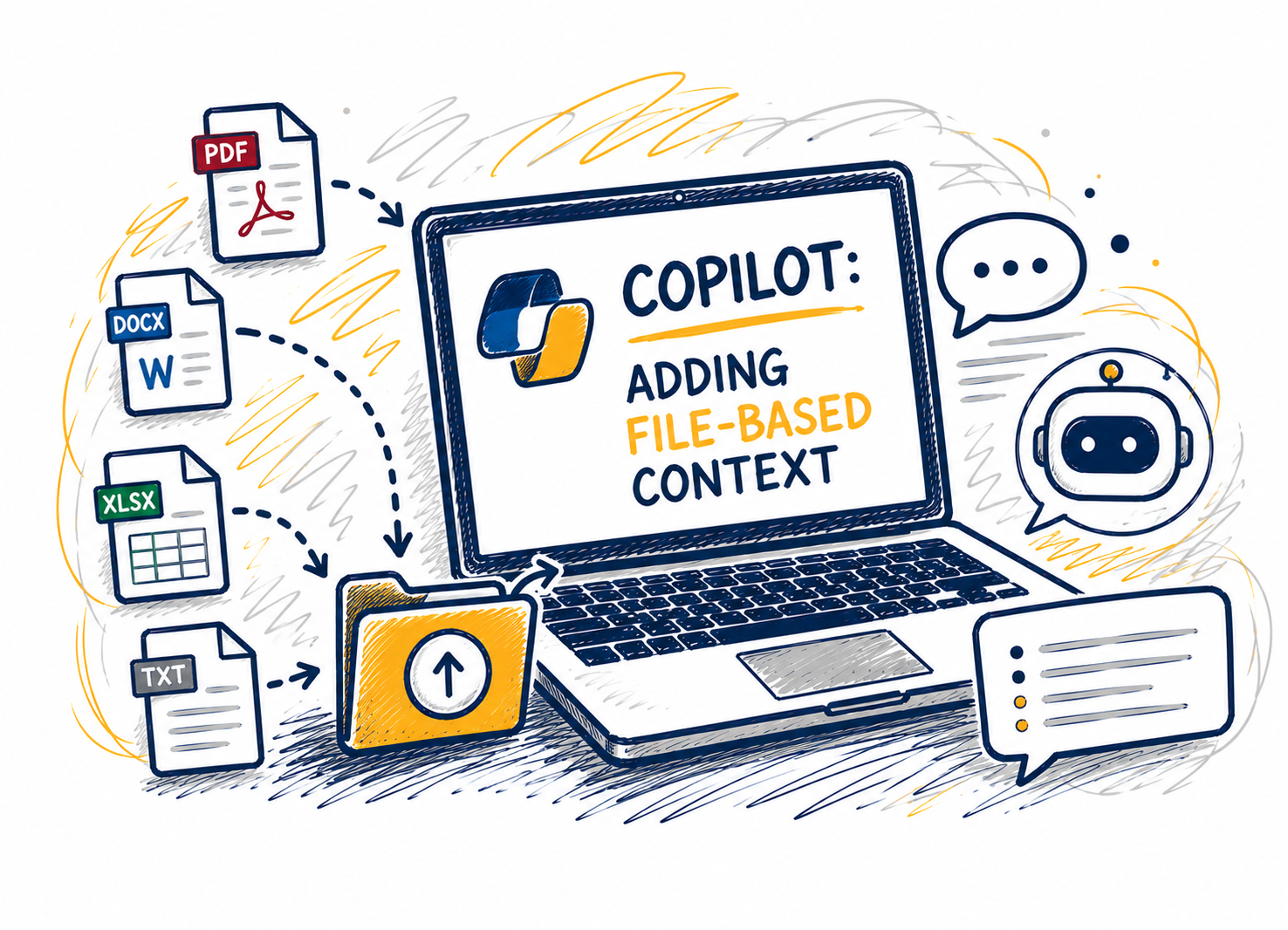
This session shows how adding files changes Copilot Chat’s reasoning by grounding responses in a clear source of truth. Attendees will learn when to attach files versus when to start with questions, which file types work best, and how to combine files with explicit instructions to improve specificity and reduce... Continue reading...
Feeling frustrated with tedious tasks in Canvas? Join Shannon Barr from ITS Learning Technology to learn time-saving tools and settings. As a former First Year Experience instructor that recently started teaching again, and current Instructional Technology Consultant, Shannon will share solutions to common issues and highlight helpful features for instructors... Continue reading...
Spring course shells will be ready soon - but are you? Join us to make sure you're ready with a few simple best practices during course import that will help you avoid common errors, save you time during the course set up process, and reduce emails from students with access... Continue reading...
Join us Tuesdays 10AM–12PM on Teams for live help from an instructional designer! Get support with course design, teaching questions, Canvas, and other learning tech.
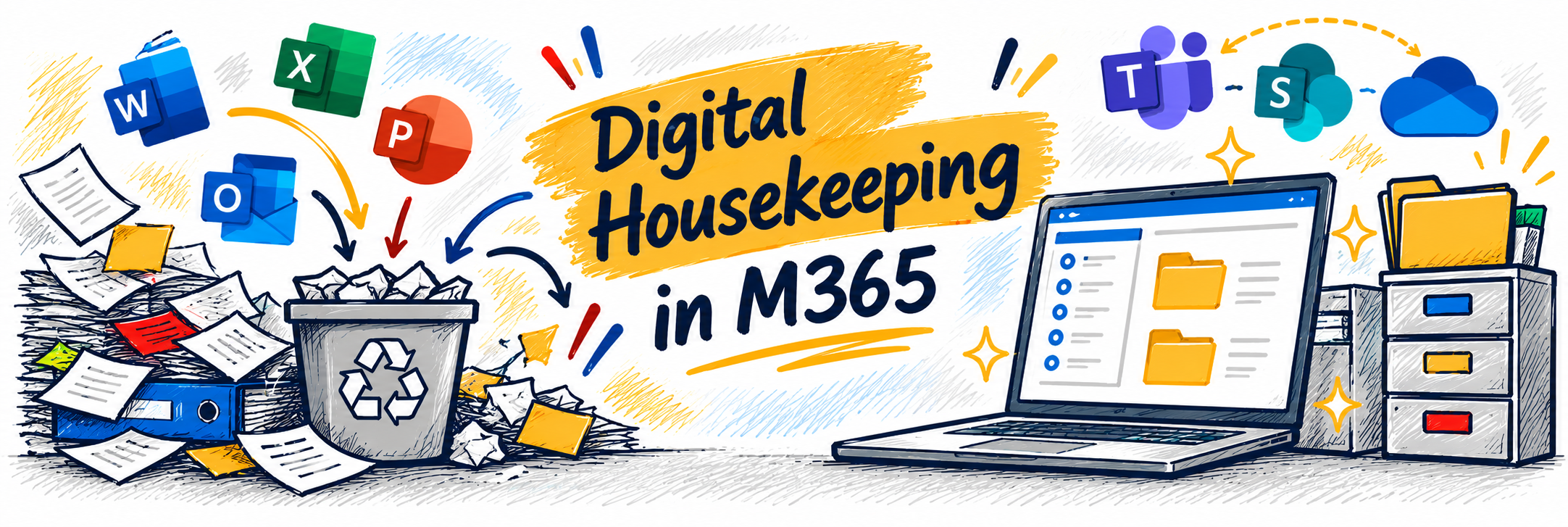
Is your Microsoft 365 workspace starting to feel a little cluttered? Just like a physical workspace, our digital spaces benefit from an occasional cleanup. In this workshop, we’ll explore practical ways to tidy up your digital work life across OneDrive, SharePoint, Teams, and Outlook. Learn strategies for organizing files, dealing... Continue reading...
Join us Tuesdays 10AM–12PM on Teams for live help from an instructional designer! Get support with course design, teaching questions, Canvas, and other learning tech.
Turn rows and columns of data into information you can actually use. In this workshop, we’ll explore three powerful Excel tools that can help you organize, visualize, and make sense of your data. You’ll learn how to use Tables to organize and manage data, create Charts that communicate information clearly,... Continue reading...
In this advanced session, you’ll learn how to get better results from Microsoft 365 Copilot Chat by improving the way you prompt. We’ll cover key Copilot terms, the differences between unlicensed and licensed experiences, and practical techniques like intent lines, constraint prompts, and iterative refinement. You’ll see step-by-step examples and... Continue reading...
Copying (or importing) old Canvas courses is a very common practice – and can come with some frustrating pitfalls. Following a few simple best practices during course import will help you avoid these common errors, save you time during the course set up process, and reduce emails from students with... Continue reading...