Not all SharePoint sites serve the same purpose. Knowing whether to use a Team site or a Communication site can make a big difference in how people collaborate, find information, and engage with your content. In this workshop, we’ll explore the differences between Team sites and Communication sites, when to... Continue reading...
See how Copilot for Microsoft 365 can help you work more efficiently with the files and information you already have in OneDrive and SharePoint. In this webinar, we’ll explore how Copilot can help you quickly summarize documents, compare files, find important information, and ask questions about your content. We’ll demonstrate... Continue reading...
A well-organized SharePoint site makes it easier for people to find what they need and collaborate without wondering who can see what. In this workshop, we’ll explore how SharePoint document libraries help you organize, manage, and share files with your team. You’ll learn how to create and organize libraries, work... Continue reading...
Navigating Fixed Assets at UNCG Ever wonder how the University keeps track of its most valuable equipment? Join the Controller’s Office for a quick guide on identifying and managing capitalized assets. Whether you're helping manage a lab, an office, or a student org, this workshop will show you how asset management affects... Continue reading...
Curious about JAI? Join this interactive workshop to learn how SpartanMart’s AI Assistant can help you find procurement information, answer questions, locate forms and policies, and search supported records using natural language. You’ll see live demonstrations, practice asking questions, and learn tips for getting the best results from JAI “Jay”.... Continue reading...
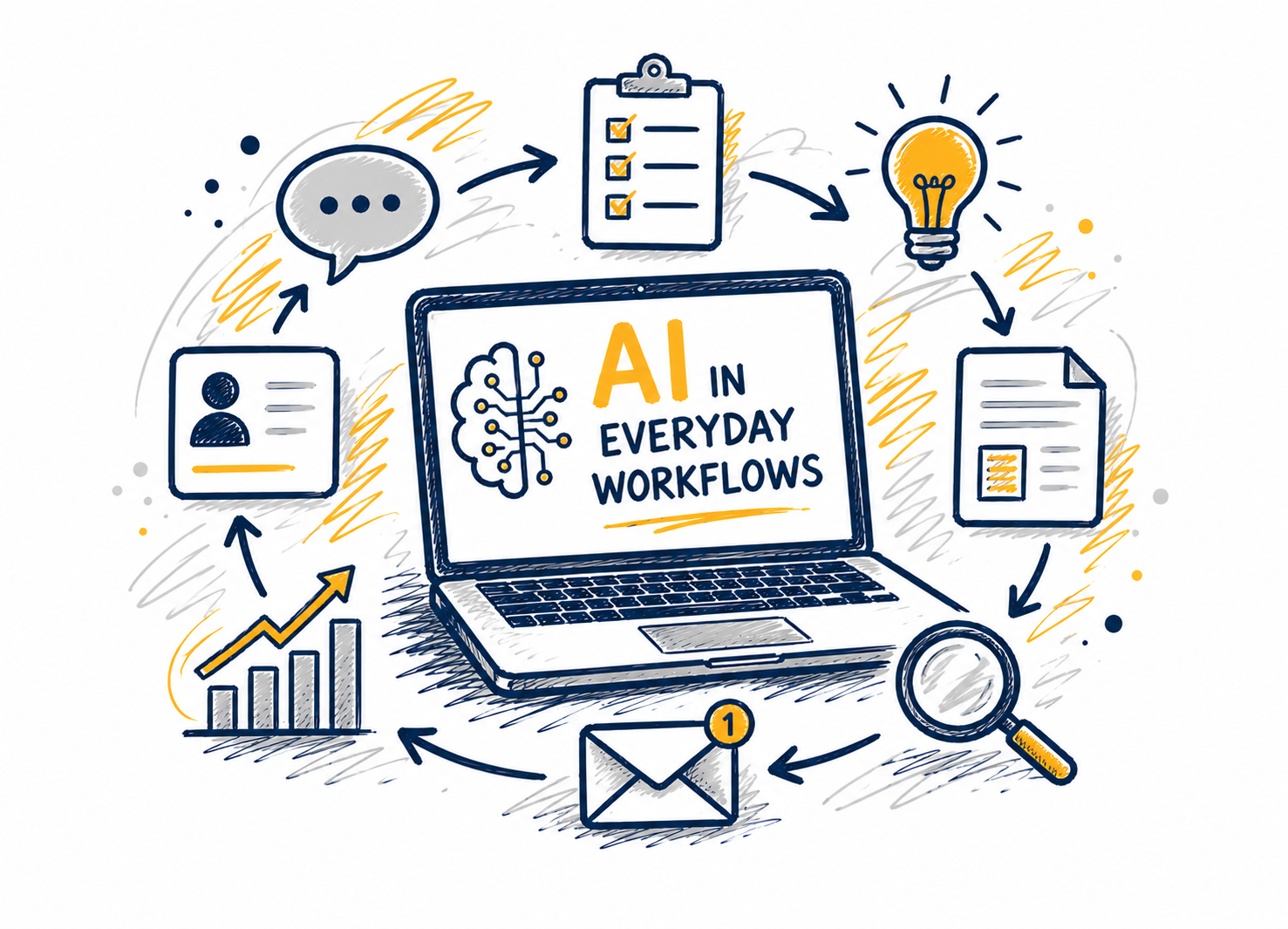
AI is exciting, but in a professional setting, the real question is how it can help us work more effectively. In this webcast, we will look at practical ways AI can support common workplace tasks such as drafting, summarizing, planning, and decision-making. Through demonstrations and real-world examples, participants will see... Continue reading...
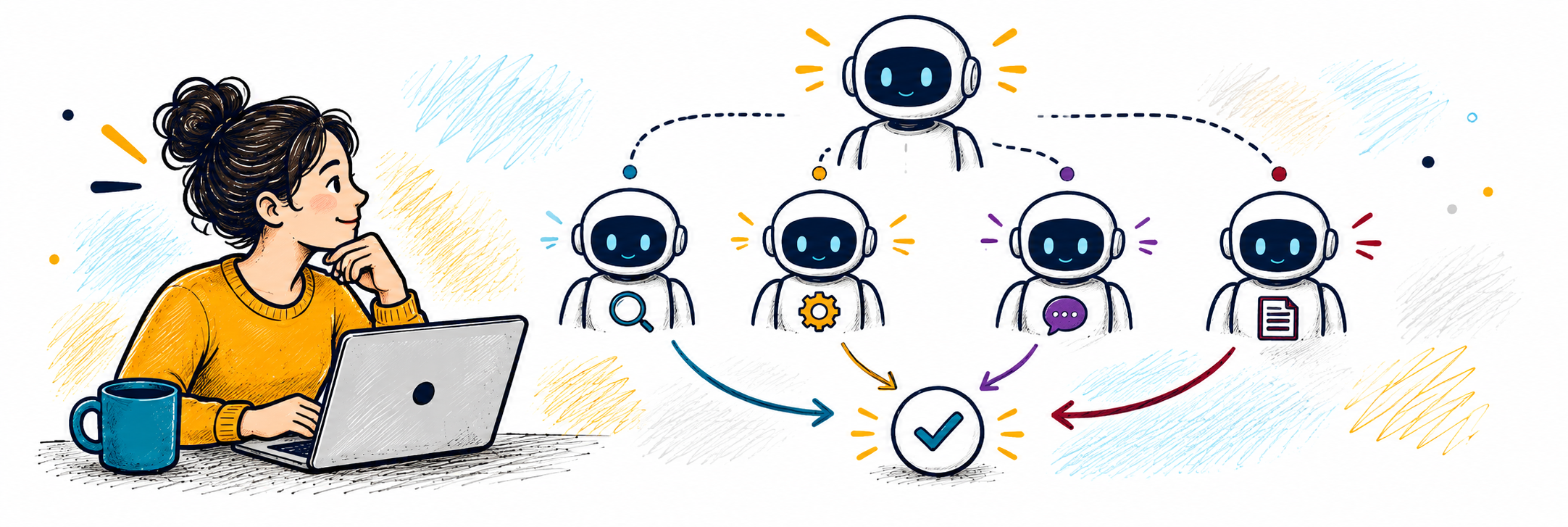
Copilot Agents are customizable AI assistants that can be integrated into Microsoft 365 applications. Learn how agents can be customized to do specific tasks and workflows, providing a more personalized AI experience. This workshop will provide an overview of Copilot Agents’ features and functionalities, elevating your understanding of what can... Continue reading...
Microsoft Teams meetings are about more than just turning on your camera and sharing your screen. In this workshop, we’ll explore the tools that can make meetings more interactive, collaborative, and productive. Learn how to use features such as meeting chat, screen and content sharing, reactions, breakout rooms, polls, collaborative... Continue reading...
Discover how Copilot can help you spend less time staring at a blank page and more time refining your ideas. In this workshop, we’ll explore practical ways to use Copilot in Word to draft, rewrite, summarize, and work with the information in your documents. You’ll learn how to give Copilot... Continue reading...
See how Copilot for Microsoft 365 can help you work more efficiently with the files and information you already have in OneDrive and SharePoint. In this webinar, we’ll explore how Copilot can help you quickly summarize documents, compare files, find important information, and ask questions about your content. We’ll demonstrate... Continue reading...
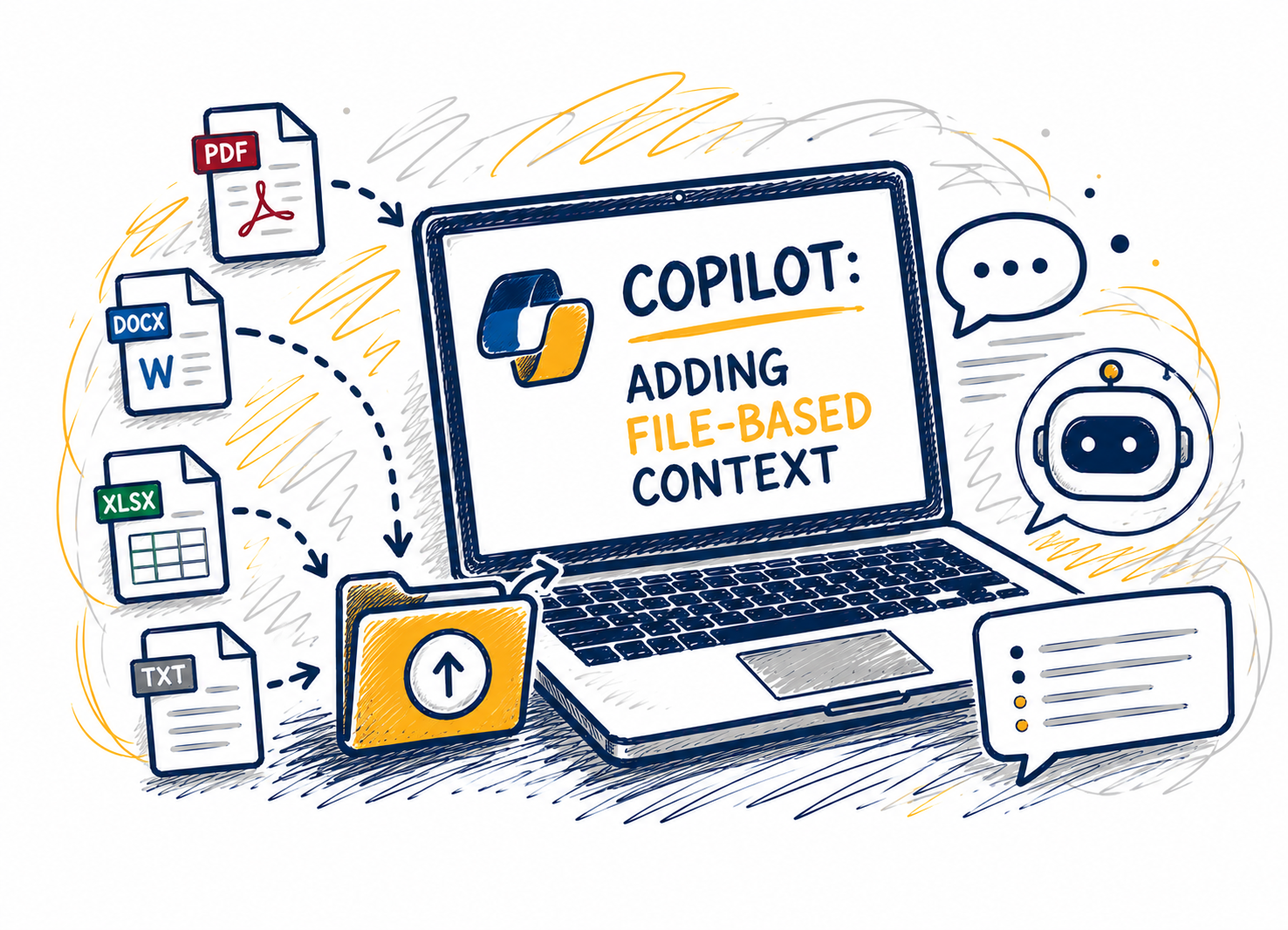
This session shows how adding files changes Copilot Chat’s reasoning by grounding responses in a clear source of truth. Attendees will learn when to attach files versus when to start with questions, which file types work best, and how to combine files with explicit instructions to improve specificity and reduce... Continue reading...
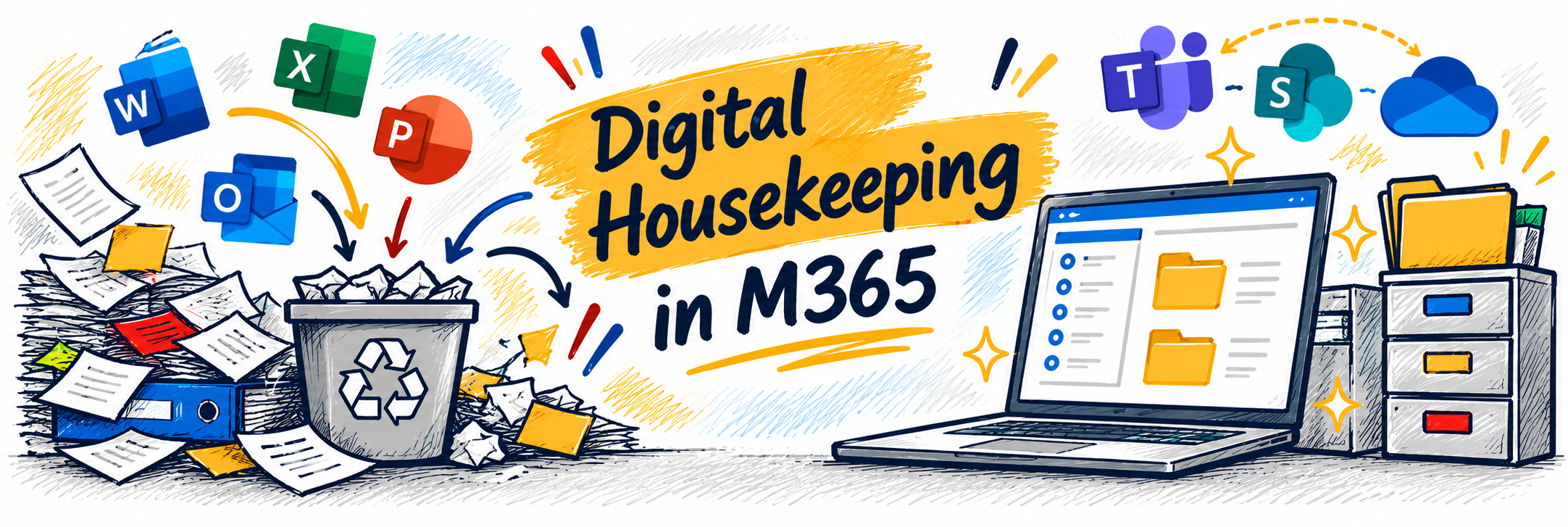
Is your Microsoft 365 workspace starting to feel a little cluttered? Just like a physical workspace, our digital spaces benefit from an occasional cleanup. In this workshop, we’ll explore practical ways to tidy up your digital work life across OneDrive, SharePoint, Teams, and Outlook. Learn strategies for organizing files, dealing... Continue reading...