Now available to all current students, faculty, and staff! Spartan AI gives you access to powerful AI models from ChatGPT, Claude, Grok, and Mistral in a secure, UNCG-supported workspace that can be integrated with your Microsoft 365 work. Learn to: Start and manage chats. Choose the right model for your... Continue reading...
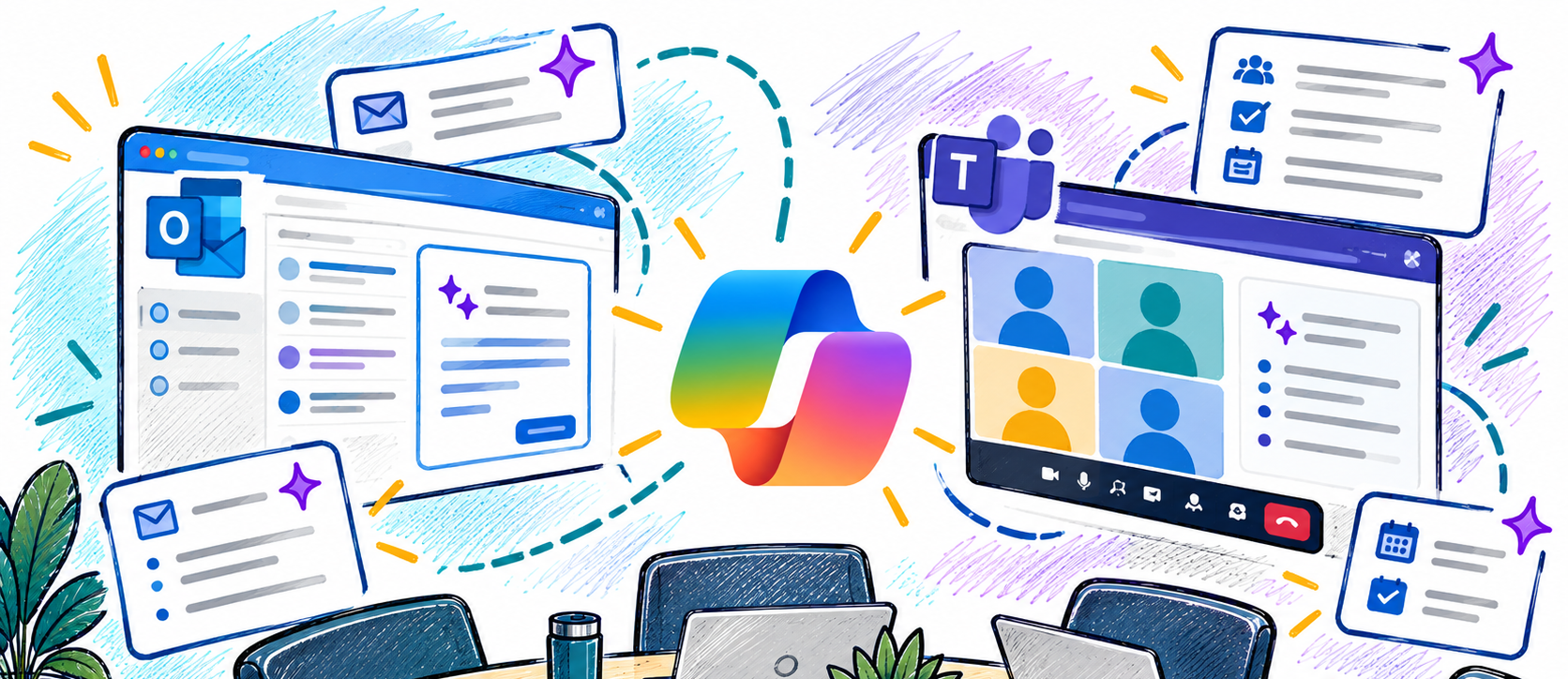
Enhance the way you communicate and collaborate with Microsoft Copilot in Outlook and Teams. In this workshop, you'll explore how Copilot can help streamline email management, improve meeting productivity, and keep teams aligned. Learn practical ways to save time, summarize conversations, draft messages, capture action items, and stay informed with... Continue reading...
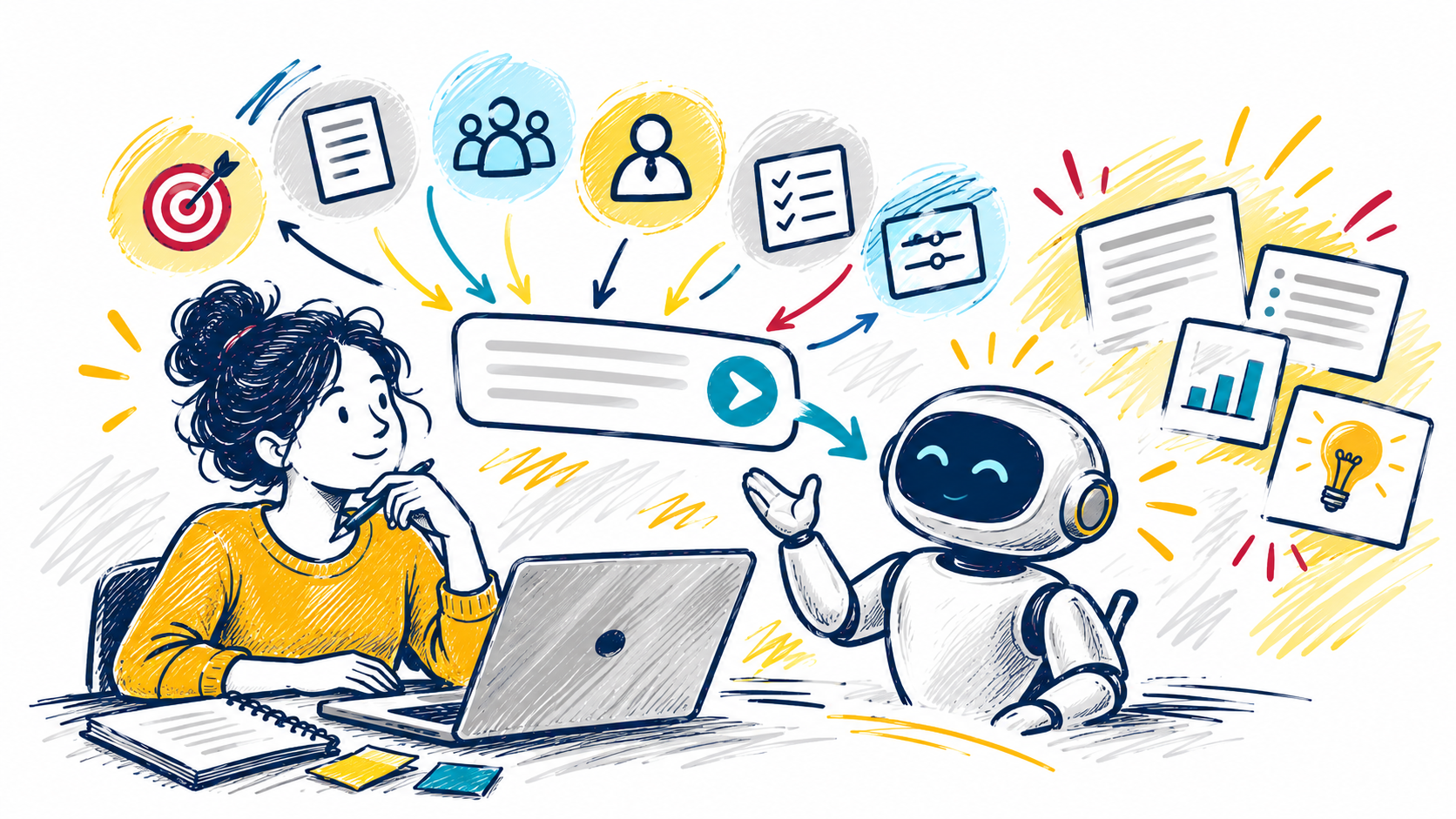
Getting great results from AI starts with a great prompt. In this interactive workshop, you'll learn practical prompting techniques that help you get more accurate, useful, and relevant responses from tools like Microsoft Copilot. Explore proven strategies for guiding AI, including using personas, providing context, defining your audience, and specifying... Continue reading...
This workshop provides an introduction to artificial intelligence at UNCG and helps participants understand the tools, opportunities, and responsibilities that come with using AI in their work. Attendees will learn how to access approved AI tools, explore practical use cases for teaching, learning, research, and administrative tasks, and understand when... Continue reading...
Cutting-edge AI tools like Microsoft Copilot and ChatGPT are revolutionizing the ways we perform our jobs and conduct business across all sectors, public and private. AI technologies elevate our tasks and maximize our relationships with data like never before. In this webcast, we'll explore integrating these tools into everyday workflows... Continue reading...
Get an early look at YuJa Panorama, UNCG's new course accessibility tool, before its official Canvas release on October 14. Participants will learn what to expect when Panorama is enabled and explore its core features and workflows, including how to identify accessibility issues and use Panorama's tools within Canvas courses.
Navigating Fixed Assets at UNCG Ever wonder how the University keeps track of its most valuable equipment? Join the Controller’s Office for a quick guide on identifying and managing capitalized assets. Whether you're helping manage a lab, an office, or a student org, this workshop will show you how asset management affects... Continue reading...
This workshop provides an introduction to artificial intelligence at UNCG and helps participants understand the tools, opportunities, and responsibilities that come with using AI in their work. Attendees will learn how to access approved AI tools, explore practical use cases for teaching, learning, research, and administrative tasks, and understand when... Continue reading...
Now available to all current students, faculty, and staff! Spartan AI gives you access to powerful AI models from ChatGPT, Claude, Grok, and Mistral in a secure, UNCG-supported workspace that can be integrated with your Microsoft 365 work. Learn to: Start and manage chats. Choose the right model for your... Continue reading...
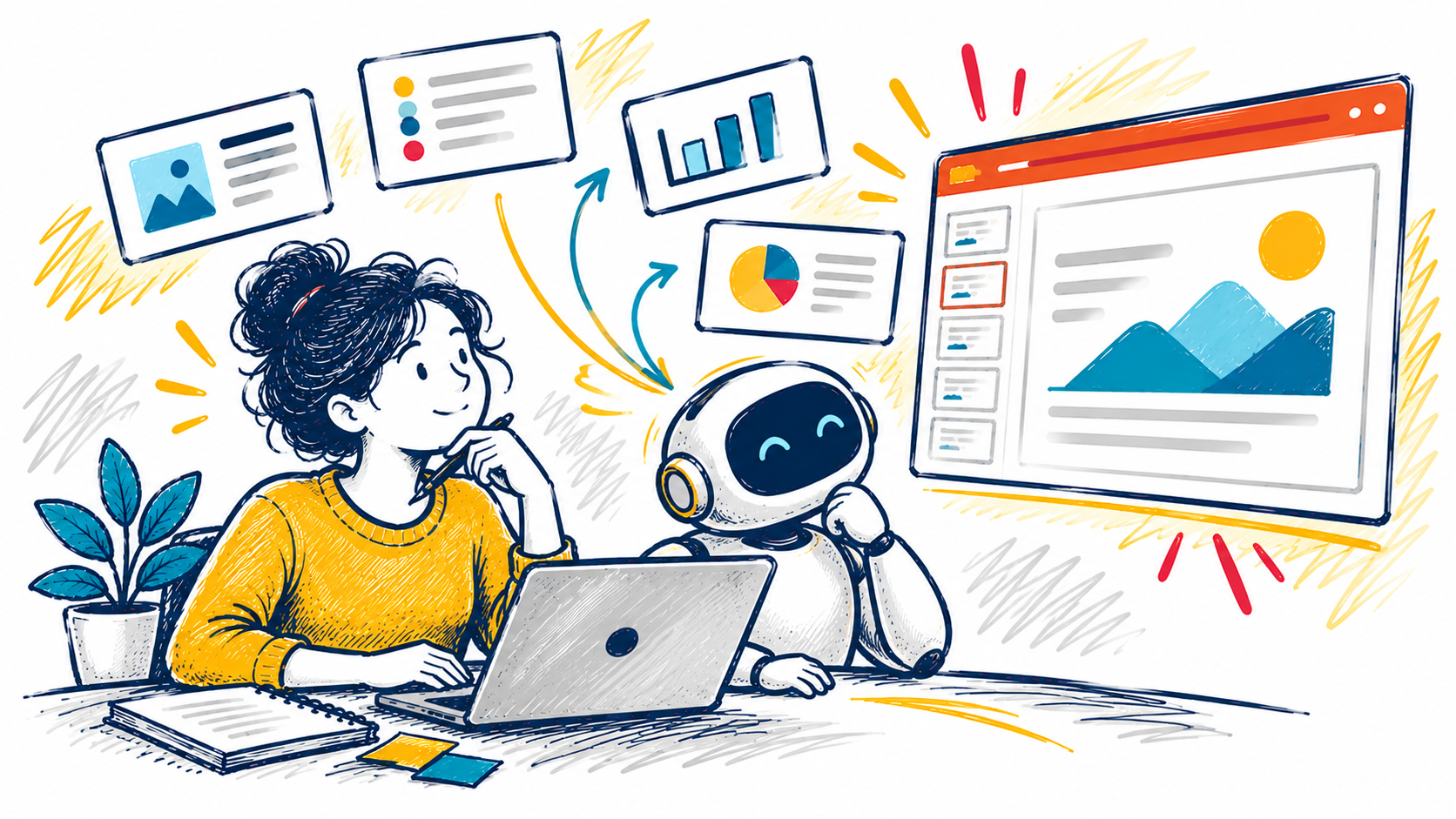
Create presentations faster and with less effort using Microsoft Copilot in PowerPoint. In this interactive workshop, you'll learn how to turn ideas, documents, and prompts into engaging presentations, generate slide content, refine layouts, and enhance your storytelling. Discover practical ways to save time while creating professional, audience-focused presentations. Learning Objectives... Continue reading...
Is Microsoft Teams running amuck throughout your day? Pinging and alerting you to everything even when you wish it wouldn’t. It’s hard to know which setting will turn off the exact notification you don’t need to get. In this workshop, we look at 7 tips to make your day much... Continue reading...
Enhance the way you communicate and collaborate with Microsoft Copilot in Outlook and Teams. In this workshop, you'll explore how Copilot can help streamline email management, improve meeting productivity, and keep teams aligned. Learn practical ways to save time, summarize conversations, draft messages, capture action items, and stay informed with... Continue reading...