Learn how to plan, host, participate in, and follow up on Microsoft Teams Meetings. This course covers the before, during, and after meeting experience and introduces tools that can help make your meetings more productive and collaborative.
Make it easier for students to connect with you by using Microsoft Bookings to schedule office hours. In this workshop, faculty will learn how to set up a Bookings page, define availability, manage appointments, and automatically send confirmations and reminders. Discover how Bookings can streamline scheduling, reduce email back-and-forth, and... Continue reading...
This session will introduce Clipchamp and highlight practical applications tailored to various teams. Discover how video creation and editing tools can streamline storytelling, facilitating clear idea exchange and effective collaboration.
This workshop provides an introduction to artificial intelligence at UNCG and helps participants understand the tools, opportunities, and responsibilities that come with using AI in their work. Attendees will learn how to access approved AI tools, explore practical use cases for teaching, learning, research, and administrative tasks, and understand when... Continue reading...
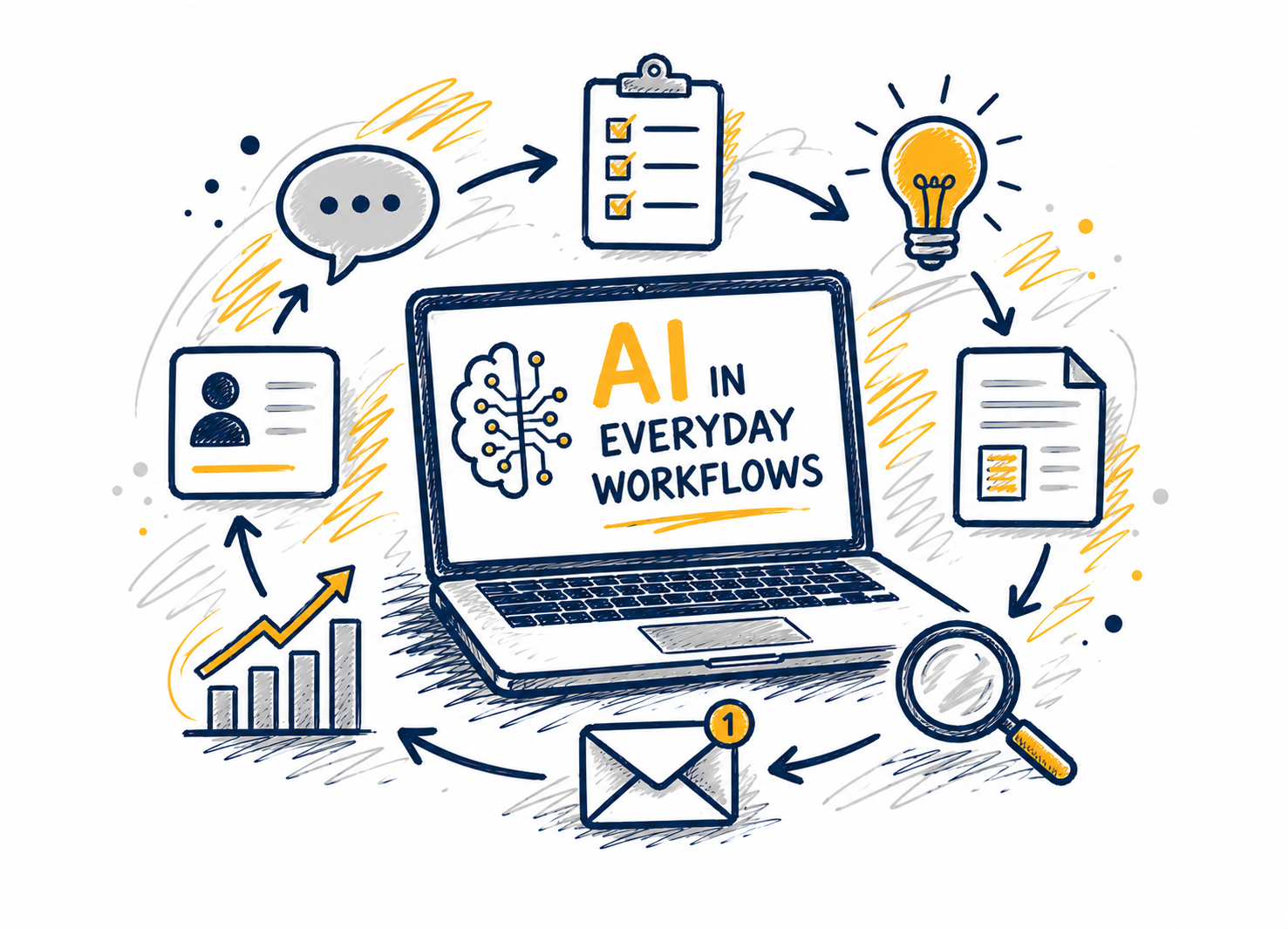
Cutting-edge AI tools like Microsoft Copilot and ChatGPT are revolutionizing the ways we perform our jobs and conduct business across all sectors, public and private. AI technologies elevate our tasks and maximize our relationships with data like never before. In this webcast, we'll explore integrating these tools into everyday workflows... Continue reading...
This workshop provides an introduction to artificial intelligence at UNCG and helps participants understand the tools, opportunities, and responsibilities that come with using AI in their work. Attendees will learn how to access approved AI tools, explore practical use cases for teaching, learning, research, and administrative tasks, and understand when... Continue reading...
While AI technology is conceptually amazing, as we approach AI in a professional setting, we're considering its real-world impacts on our roles, groups, and projects. How can we use AI practically to save time, ensure accuracy, and improve our colleague interactions? In this webcast, we'll explore how AI can support... Continue reading...
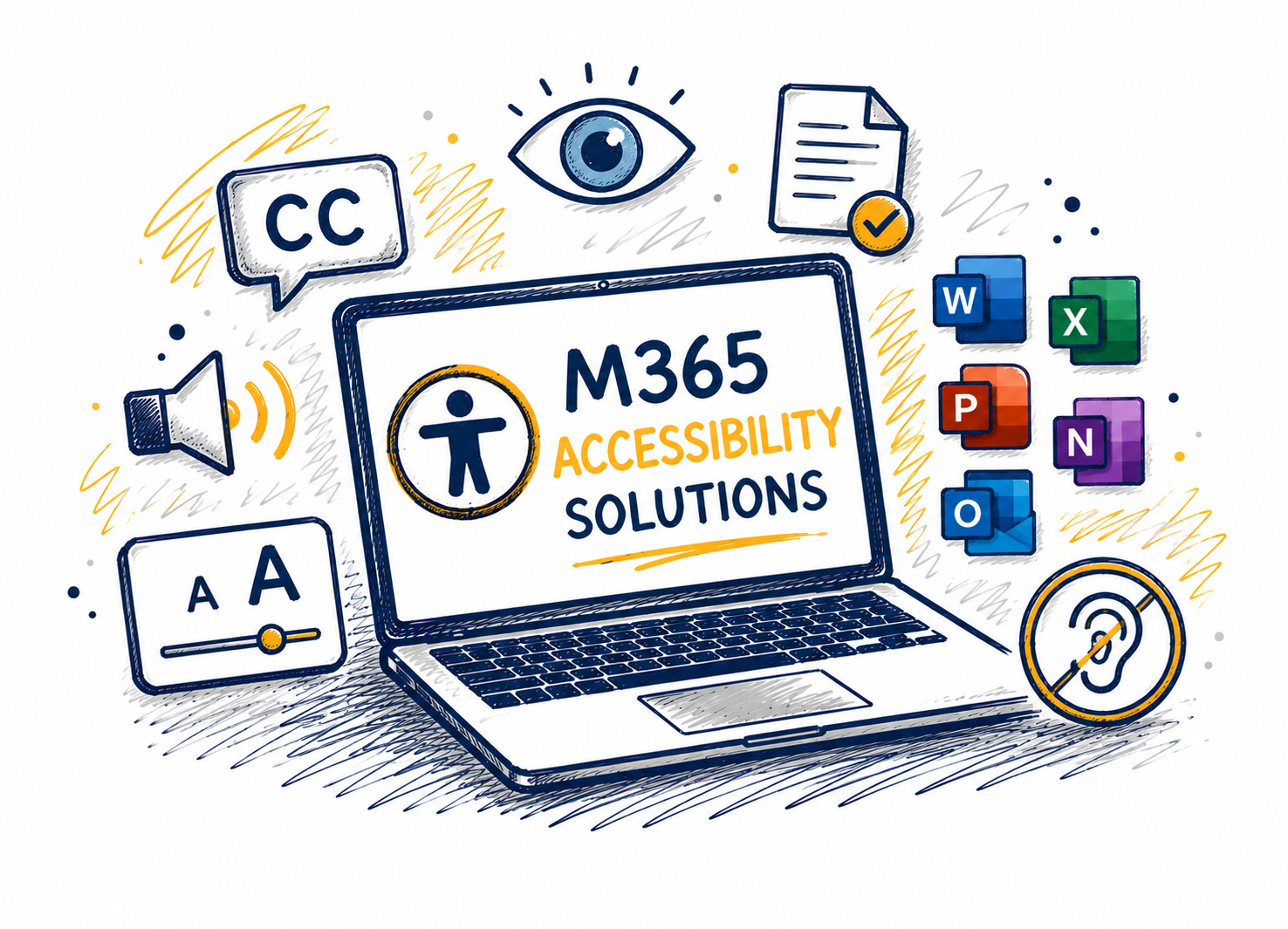
There is no limit to what people can achieve when technology reflects the diversity of all who use it. This course shows how people can achieve more with the built-in accessibility tools and features in Microsoft technologies. It focuses on features for those who need to customize their settings for... Continue reading...
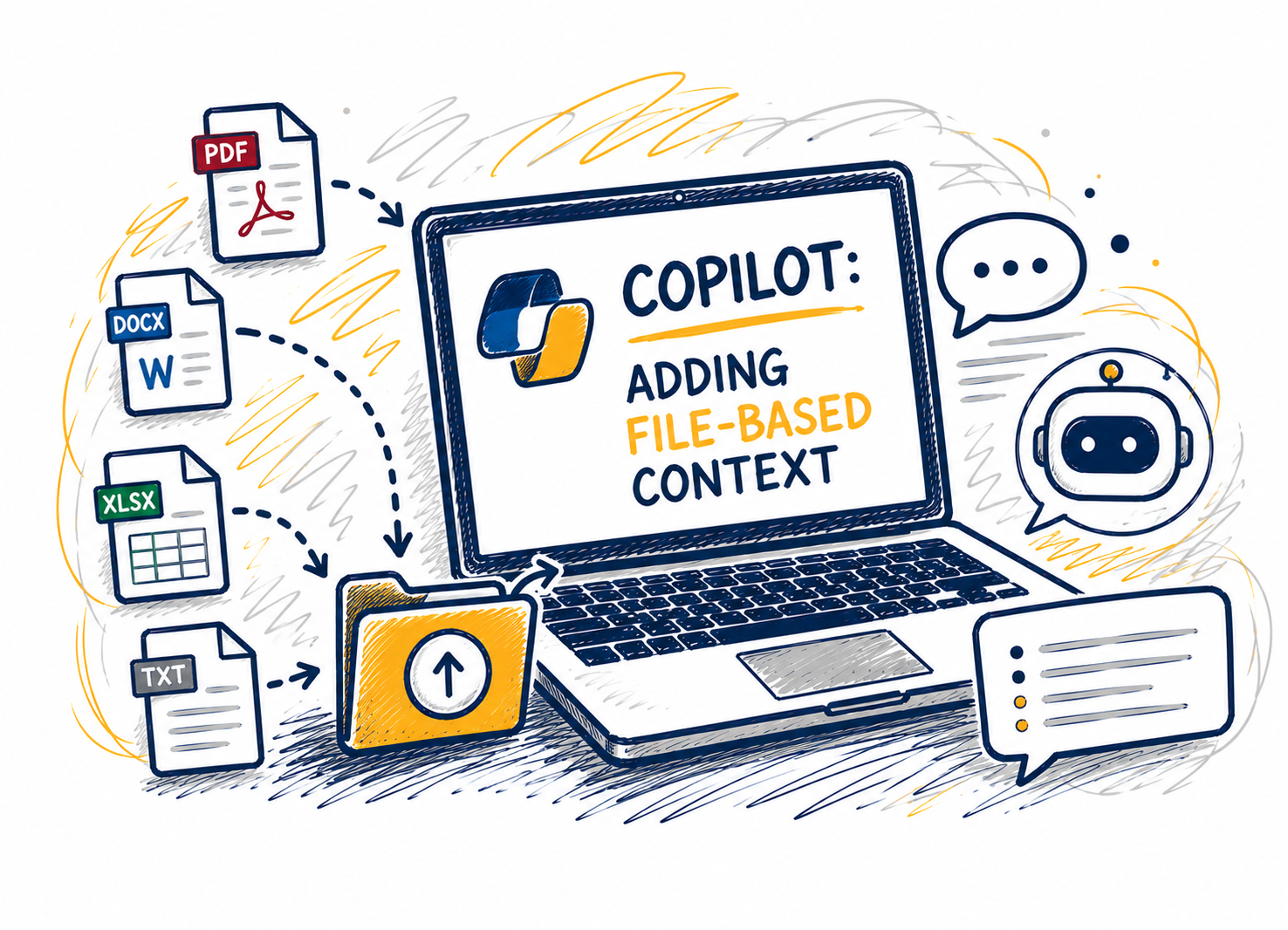
This session shows how adding files changes Copilot Chat’s reasoning by grounding responses in a clear source of truth. Attendees will learn when to attach files versus when to start with questions, which file types work best, and how to combine files with explicit instructions to improve specificity and reduce hallucination.... Continue reading...
This workshop provides an introduction to artificial intelligence at UNCG and helps participants understand the tools, opportunities, and responsibilities that come with using AI in their work. Attendees will learn how to access approved AI tools, explore practical use cases for teaching, learning, research, and administrative tasks, and understand when... Continue reading...
This workshop provides an introduction to artificial intelligence at UNCG and helps participants understand the tools, opportunities, and responsibilities that come with using AI in their work. Attendees will learn how to access approved AI tools, explore practical use cases for teaching, learning, research, and administrative tasks, and understand when... Continue reading...
Cutting-edge AI tools like Microsoft Copilot and ChatGPT are revolutionizing the ways we perform our jobs and conduct business across all sectors, public and private. AI technologies elevate our tasks and maximize our relationships with data like never before. In this webcast, we'll explore integrating these tools into everyday workflows... Continue reading...