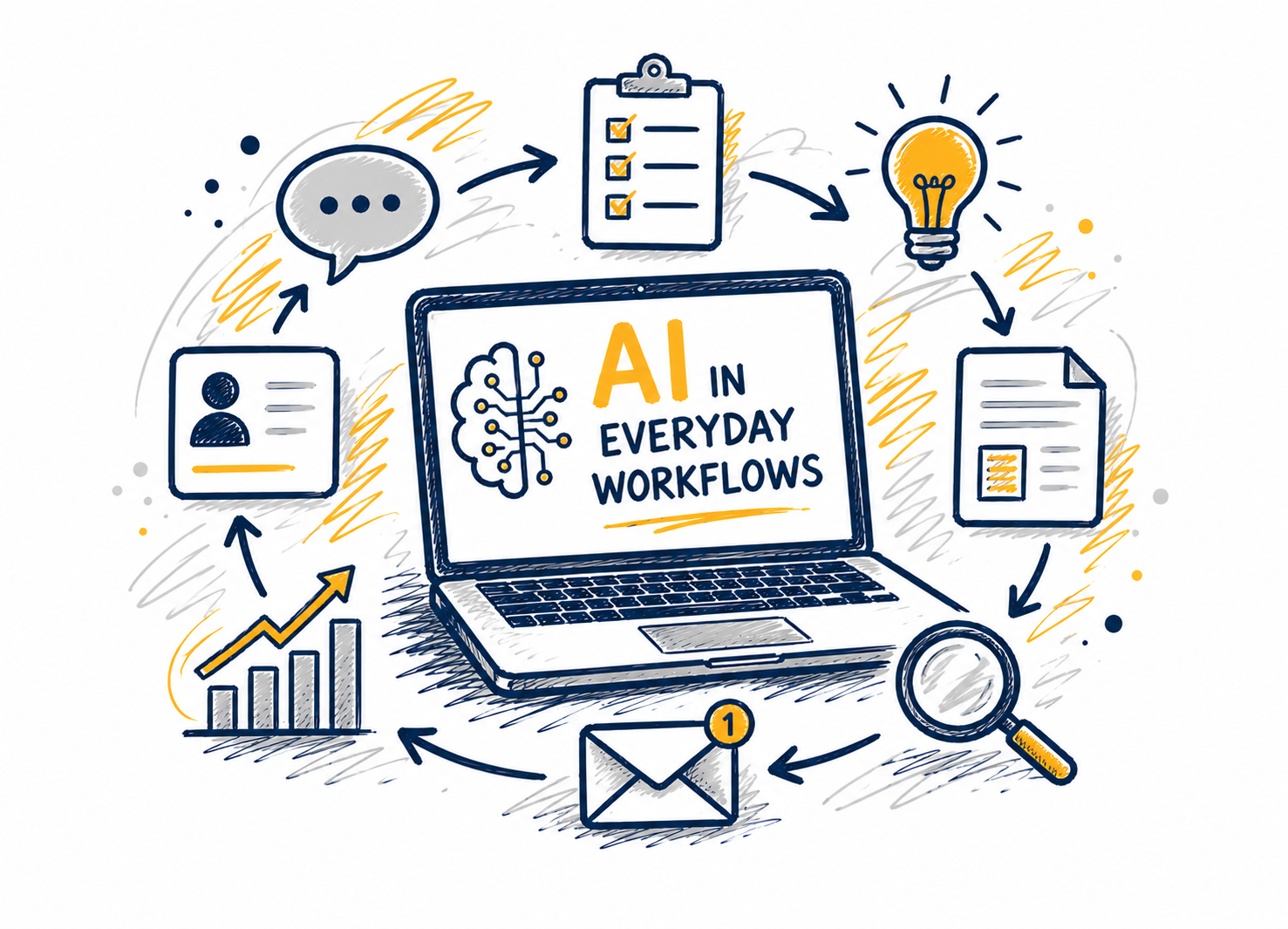
AI is exciting, but in a professional setting, the real question is how it can help us work more effectively. In this webcast, we will look at practical ways AI can support common workplace tasks such as drafting, summarizing, planning, and decision-making. Through demonstrations and real-world examples, participants will see... Continue reading...
This session is for training on how to submit travel reimbursements in Emburse (formerly Chrome River) and Travel Policies. This training is virtual via Teams.
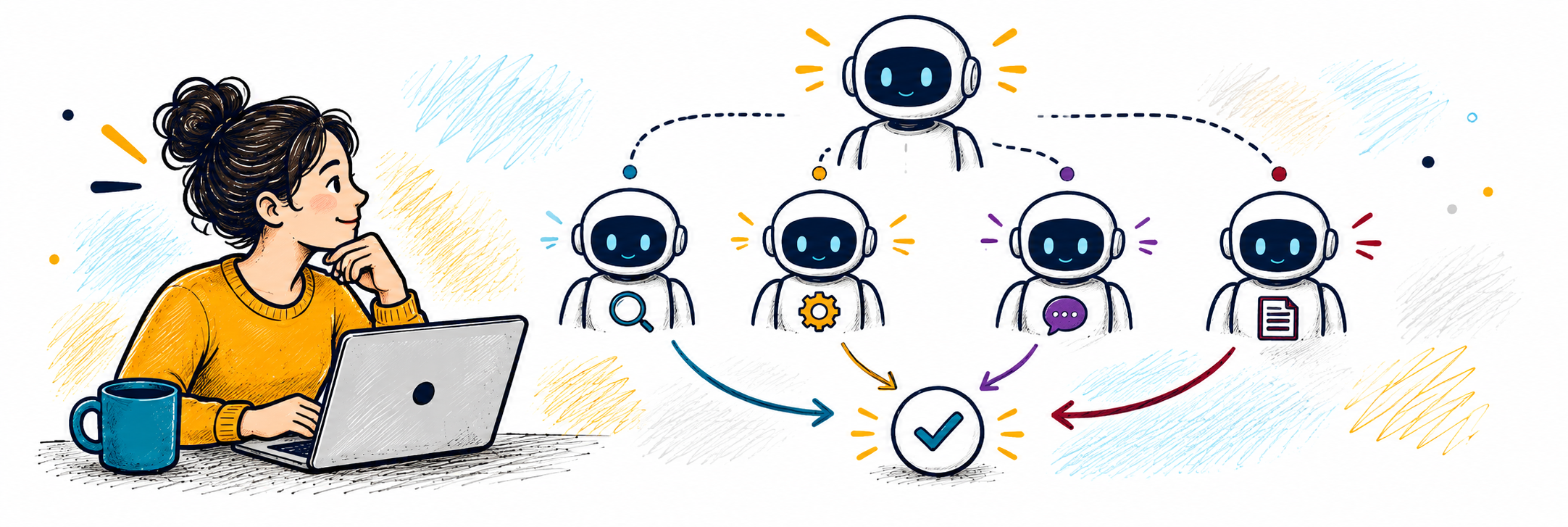
Copilot Agents are customizable AI assistants that can be integrated into Microsoft 365 applications. Learn how agents can be customized to do specific tasks and workflows, providing a more personalized AI experience. This workshop will provide an overview of Copilot Agents’ features and functionalities, elevating your understanding of what can... Continue reading...
This training covers performing budget transfers via UNC Genie (Banner 9 Self-Service) for state and budgeted trust funds. As well as the newest features available for Banner 9. The training session reviews what fund types are available for departmental budget transfers and guidelines. It also covers the different types of... Continue reading...
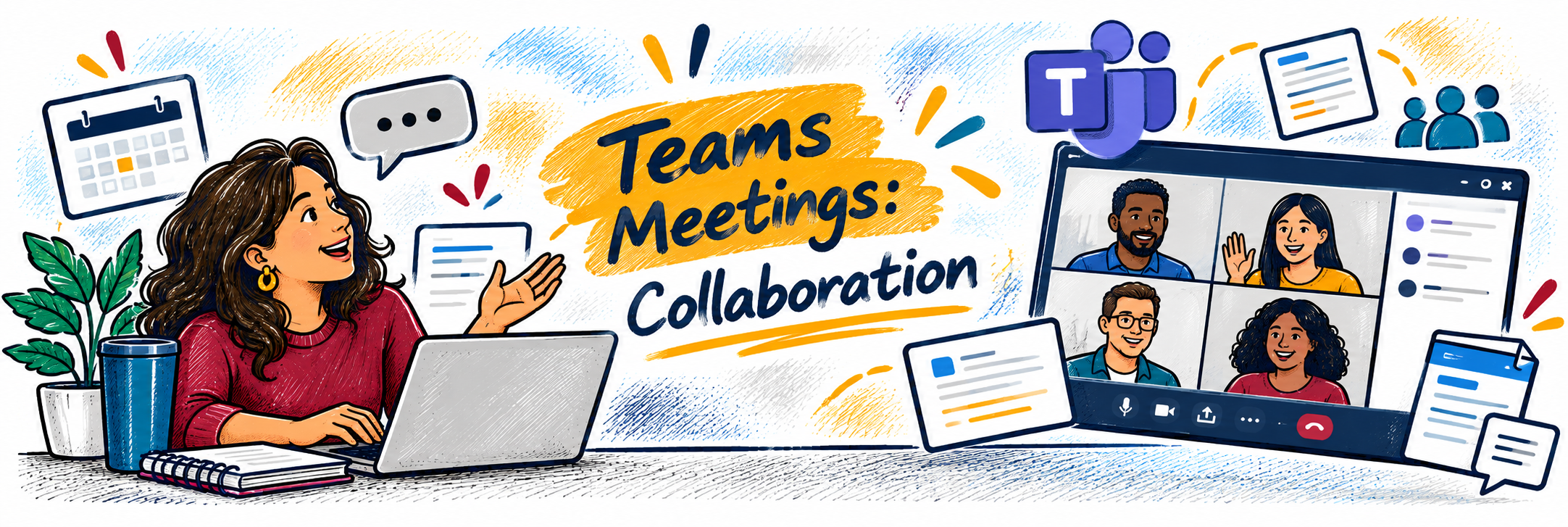
Microsoft Teams meetings are about more than just turning on your camera and sharing your screen. In this workshop, we’ll explore the tools that can make meetings more interactive, collaborative, and productive. Learn how to use features such as meeting chat, screen and content sharing, reactions, breakout rooms, polls, collaborative... Continue reading...
Join HealthyUNCG and the Department of Nutrition to participate in a hands on cooking experience! Learn kitchen techniques, healthy swaps, and easy meals on the go. Theme will be announced soon! Space is limited!
Discover how Copilot can help you spend less time staring at a blank page and more time refining your ideas. In this workshop, we’ll explore practical ways to use Copilot in Word to draft, rewrite, summarize, and work with the information in your documents. You’ll learn how to give Copilot... Continue reading...
This training covers the Banner Finance navigation via Banner 9(Banner INB), rule codes, budget vs. actual, Adjusted Budget, Year To Date, Available Balance, encumbrances and etc. It covers reading your budget and helpful hints on budget management. The session reviews transactions within the system and transaction types. Prerequisites: Finance Overview... Continue reading...
1510 Walker Building
1510 Walker Ave, Greensboro, NC, United States
Free Fitness Fridays September 18 @ 12:05 pm - 12:45 pm Start your Friday with movement, energy, and a great workout! Fitness Fridays is a new free fitness program for UNCG employees! Join us every Friday for a fun, supportive small-group workout led by a certified fitness coach. Whether you’re brand new... Continue reading...
See how Copilot for Microsoft 365 can help you work more efficiently with the files and information you already have in OneDrive and SharePoint. In this webinar, we’ll explore how Copilot can help you quickly summarize documents, compare files, find important information, and ask questions about your content. We’ll demonstrate... Continue reading...
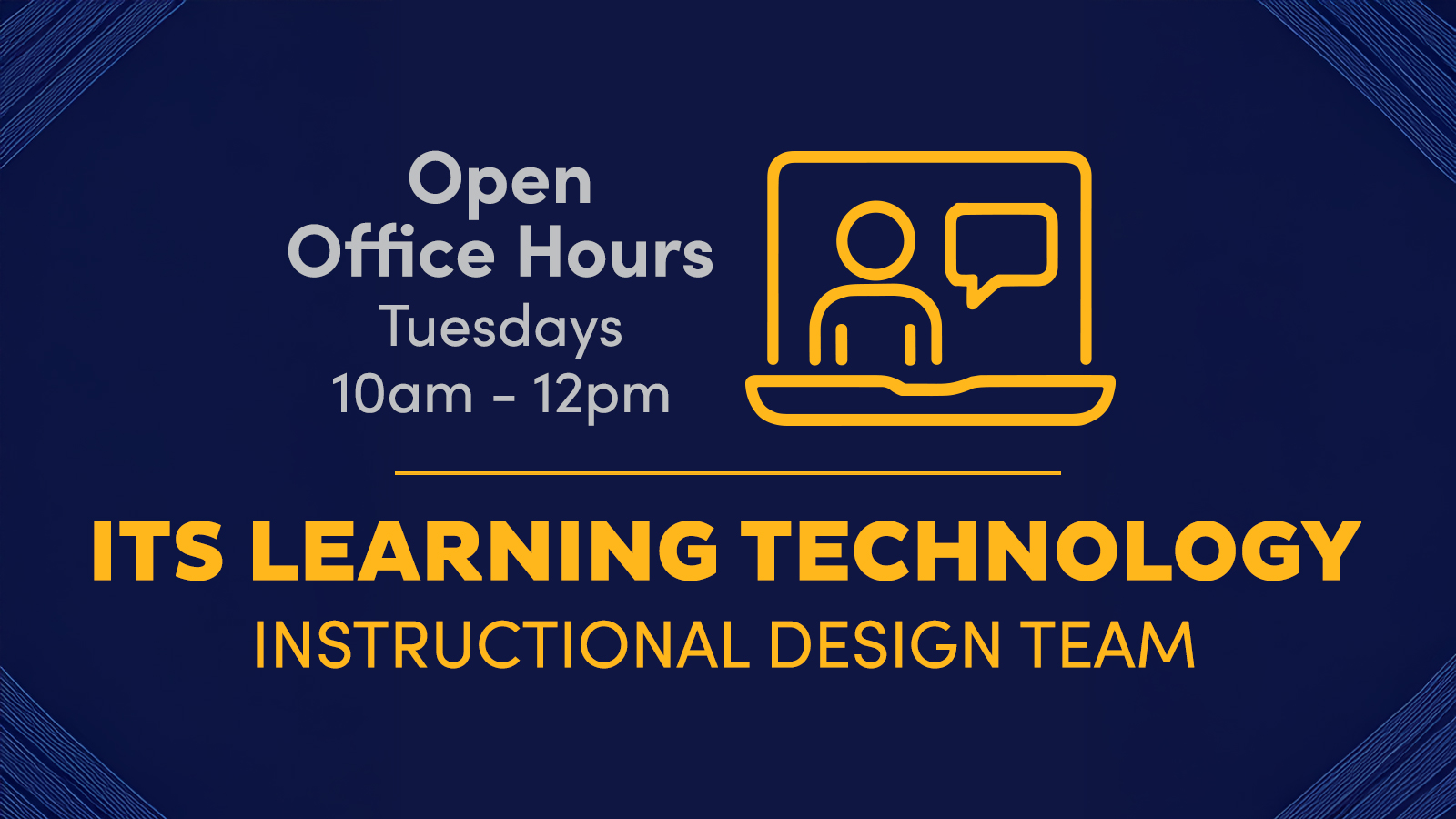
Join us Tuesdays 10AM–12PM on Teams for live help from an instructional designer! Get support with course design, teaching questions, Canvas, and other learning tech.
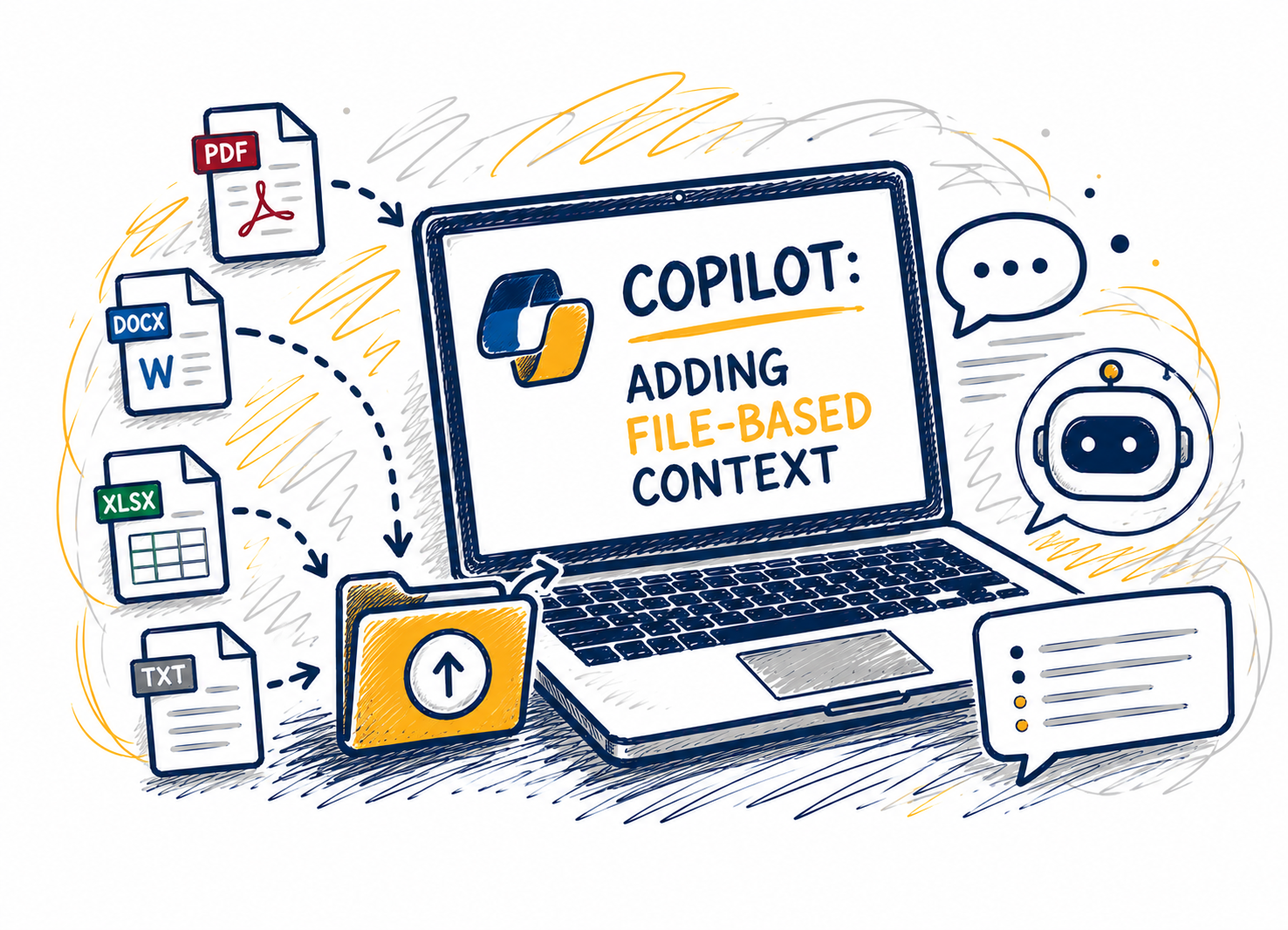
This session shows how adding files changes Copilot Chat’s reasoning by grounding responses in a clear source of truth. Attendees will learn when to attach files versus when to start with questions, which file types work best, and how to combine files with explicit instructions to improve specificity and reduce... Continue reading...