This training covers basic Banner Finance navigation via UNC Genie (Banner Self-Service), Chart of Accounts, Fund Types, Account Types, spending guidelines, financial services resources and etc. This is the FIRST Banner Finance session you should attend (except for PI’s). It covers reading your budget and helpful hints on budget management.... Continue reading...
Join us for a presentation by Stephen Brisson and Zachary Barnes from State Employees’ Credit Union (SECU), to learn the importance of creating a plan for holiday spending while meeting financial goals. We'll discuss ways to plan and save for a financially healthy holiday season. Register and secure your spot... Continue reading...
Join us Tuesdays 10AM–12PM on Teams for live help from an instructional designer! Get support with course design, teaching questions, Canvas, and other learning tech.
Information Technology Services (ITS) offers interested faculty and staff access to selected AI tools through a yearlong pilot program. This event will provide attendees an opportunity to explore the tools, learn about their capabilities and limitations, and consider whether and how they may be useful in their work. What to Expect... Continue reading...
This workshop is an open discussion for campus users to freely ask questions and work on concerns centered around financial questions. The topic will be based on frequently asked questions from campus users. Prerequisites: Finance Overview and Budget Query (Level 1) Topic: TBD Please be aware a Banner Finance Account Request ... Continue reading...
This training is for PCard and Emburse Users to ask questions and walk through the process for PCard Reconciliation and approvals. Note: If you would like to schedule a virtual training session for your department or team, please contact me via the PCard email at pcard@uncg.edu.
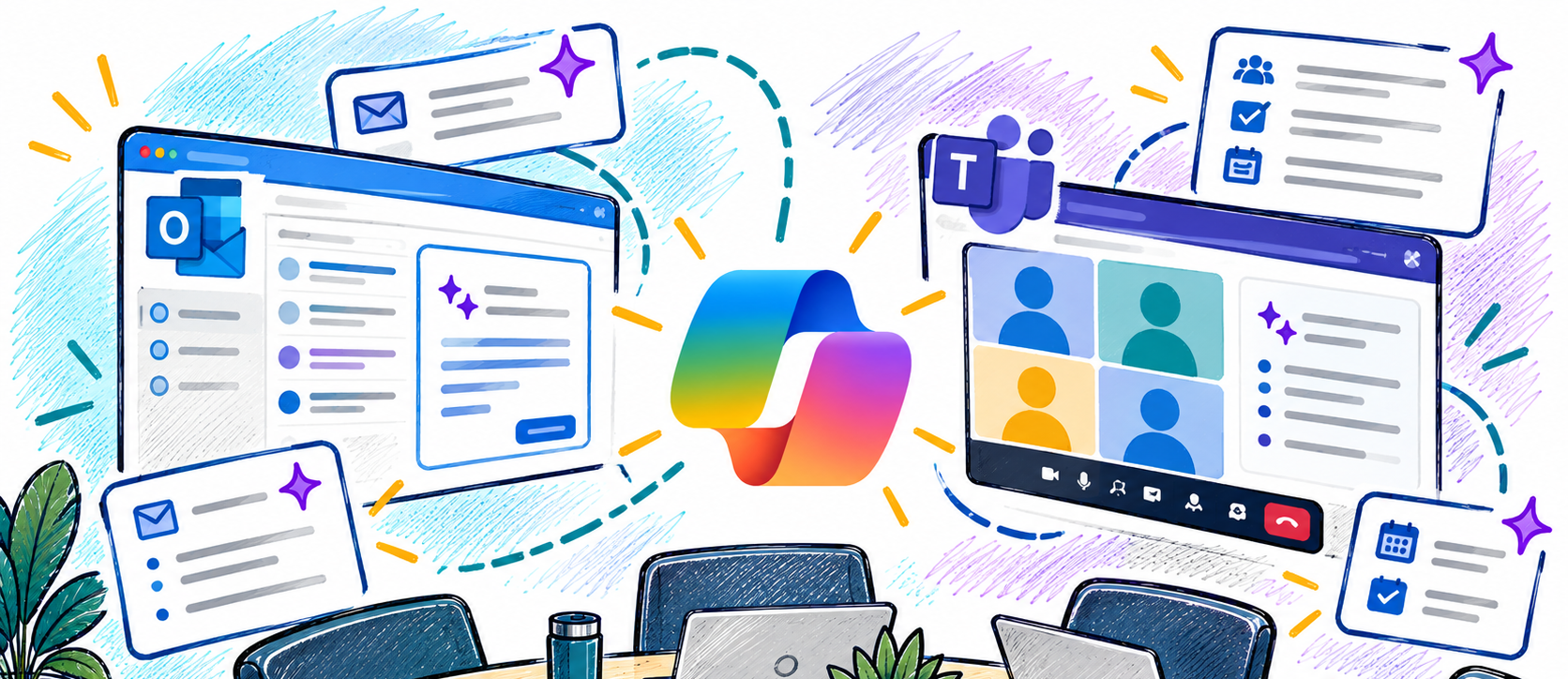
Enhance the way you communicate and collaborate with Microsoft Copilot in Outlook and Teams. In this workshop, you'll explore how Copilot can help streamline email management, improve meeting productivity, and keep teams aligned. Learn practical ways to save time, summarize conversations, draft messages, capture action items, and stay informed with... Continue reading...
UNCG’s 500 Fist Bump Connection Challenge is all about one simple idea: small acts of connection can make a big difference. Whether you’re a UNCG student, employee, or campus group, you can be part of the movement! Learn how 500 Fist Bumps can help create moments of kindness, gratitude, encouragement,... Continue reading...
"Share your open access scholarship: Introducing the new NC DOCKS at UNCG" by Anna Craft and Tiffany Henry, Wednesday October 21 at 12:00pm *45 minutes In this session, we'll offer an introduction to the new NC DOCKS repository at UNCG, which shares open access scholarship from faculty and students. We'll... Continue reading...
Teams Meeting (Link will be sent via confirmation email.)
Realistic student self-assessment is a vital skill for students in both college and the workplace; however, most people never learn methods and tools for self-evaluation. Team up with the UTLC and ITS: Learning Technology to discus student self-assessment. The UTLC will review assessment models and best practices for modelling self-assessment and ITS: Learning Technology will demonstrated... Continue reading...
Designed for faculty and staff who manage campus accounts, this workshop provides an overview of accessibility best practices and federal standards as they apply to social media networks. Morgan Glover, director of social media strategy in University Communications, and Melanie Eley, digital accessibility manager in ITS, will guide participants through... Continue reading...
In this advanced session, you’ll learn how to get better results from Microsoft 365 Copilot Chat by improving the way you prompt. We’ll cover key Copilot terms, the differences between unlicensed and licensed experiences, and practical techniques like intent lines, constraint prompts, and iterative refinement. You’ll see step-by-step examples and... Continue reading...